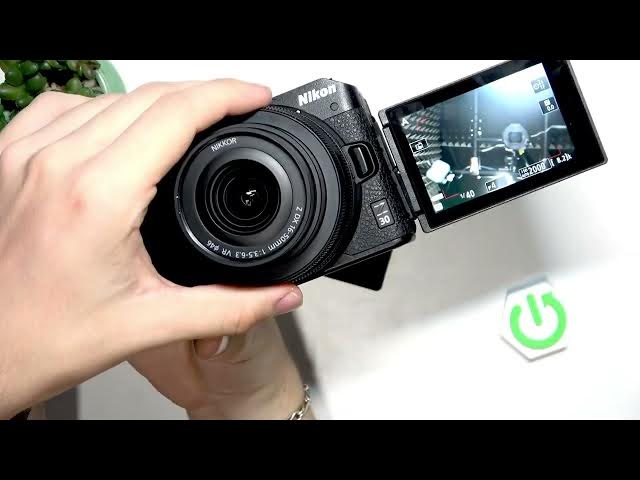

NIKON Z30 – How to use the articulated screen
Jun 3, 2026

Learn how to fully use the articulated flip screen on the NIKON Z30. This video shows how to open the screen, flip it out, rotate it for top-down and front-facing recording, and tuck it back in. You’ll get practical positions for vlogging, top-down shots, and quick framing, plus a note about touchscreen behavior like tap-to-focus and a touch that may trigger a photo in some settings. Brand and model covered: NIKON Z30. Perfect for new Z30 owners who want faster filming and better framing.
How to use the articulated screen on the NIKON Z30?
How to set up the NIKON Z30 flip screen for vlogging?
How to enable or fix touch-to-focus on NIKON Z30 touchscreen?
0:00 Intro
0:16 Open the screen and power on
0:30 Rotate for top-down and low-angle shots
0:59 Set the front-facing / vlogging position
1:08 Touchscreen functions — tap to focus and note about touch taking a photo
1:29 Tips, wrap up and subscribe
#NIKONZ30 #NikonZ30 #FlipScreen #Vlogging
Find out more:
https://www.hardreset.info/devices/nikon/nikon-z30/
Follow us on Instagram ► https://www.instagram.com/hardreset.info
Like us on Facebook ► https://www.facebook.com/hardresetinfo/
Show More Show Less #Science