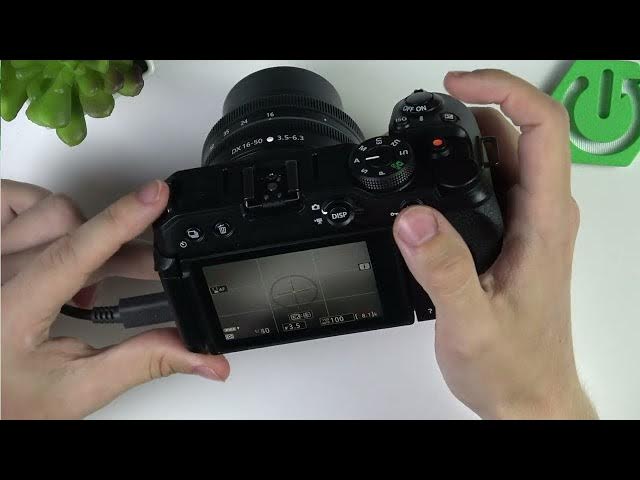

NIKON Z30 - How to Frame Better with Grid and Level
Jun 3, 2026

Learn how to frame and record better on the NIKON Z30 using the built-in framing grid and electronic level. In this short video you will see where to find the framing grid in the Custom Settings menu (Shooting / Display), how to switch between Off, 4x4 and the 3x3 grid (rule of thirds), and how to enable the level so your horizons and subjects stay straight. These simple settings help vloggers and photographers improve composition and get cleaner, more professional-looking footage with no extra gear.
How to enable the framing grid on NIKON Z30?
How to turn on the electronic level on NIKON Z30?
How to use the 3x3 grid for better framing on NIKON Z30?
0:00 Introduction
0:08 Open Custom Settings menu → Shooting / Display
0:30 Framing Grid options: Off, 4x4, 3x3 (rule of thirds)
1:00 Enable the level from Display
1:22 How the axis indicators and green marks show level
2:14 Summary and outro
#NIKONZ30 #Nikon #CameraTips #Composition
Find out more:
https://www.hardreset.info/devices/nikon/nikon-z30/
Follow us on Instagram ► https://www.instagram.com/hardreset.info
Like us on Facebook ► https://www.facebook.com/hardresetinfo/
Show More Show Less #Science