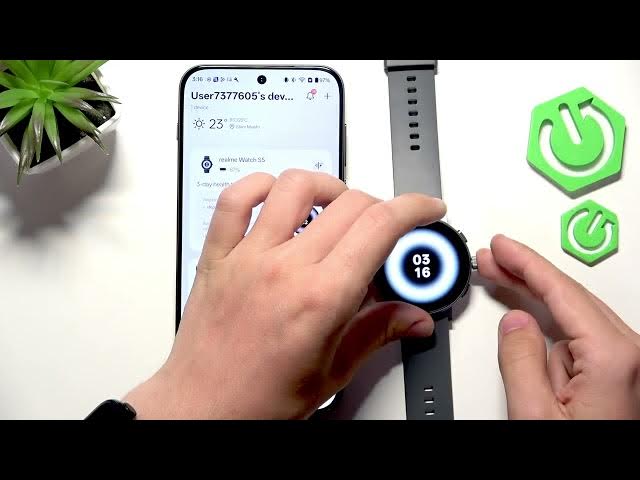

realme Watch S5 Button Shortcuts: 3 Physical Buttons
Jun 2, 2026

In this video I show all the button shortcuts you can assign on the REALME Watch S5. Learn how to change short press and long press actions for each of the three physical buttons, including Ask AI (voice assistant), Music, Workout, Recent apps, Bluetooth, Walkie Talkie, Alarm, Timer, Stopwatch and SOS. I demonstrate the Settings path to set up long press and short press functions, explain double-press screen lock behavior, and show how to power off or restart the watch using the buttons so you can customize quick access to the features you use the most.
How to set button shortcuts on REALME Watch S5?
How to change long press action on realme Watch S5?
How to power off or restart REALME Watch S5 using buttons?
0:00 Intro
0:09 Buttons overview - three physical buttons and back action
0:22 Long press demo - Ask AI voice assistant
0:38 Bottom button default - opens Workout (can be changed)
0:48 Open Settings → Button settings to assign shortcuts
1:05 Shortcut options (Music, Bluetooth, Walkie Talkie, Exercise, Alarm, Timer, Stopwatch, Recent apps)
1:27 Short press vs long press for up/down buttons (exercise, SOS etc.)
2:13 Double press locks or unlocks the screen
2:44 Testing button combinations and behavior
3:23 Power off and restart by long pressing
3:35 Outro
#realme #realmeWatchS5 #watchshortcuts #smartwatch
Show More Show Less #Science