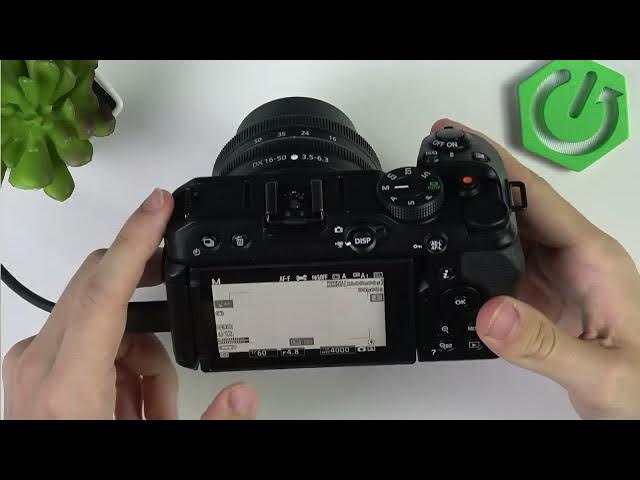

NIKON Z30 – How to Fix Flickering in Video
Jun 3, 2026

In this video you’ll learn how to stop flickering on your NIKON Z30 when filming under artificial lights or recording screens. I show where to find Flicker Reduction in the video recording menu (50 / 60 Hz or Auto), how to switch to S (shutter priority) or M (manual) mode, and how to set shutter speed to multiples of the mains frequency (50, 100, 200, 400…) or 60 Hz for displays. You’ll also see how to disable Auto ISO so your manual shutter settings hold, and quick tips to reduce banding and rolling flicker while recording.
How to fix flickering on NIKON Z30?
How to use Flicker Reduction on NIKON Z30?
How to set shutter speed on NIKON Z30 to stop flicker?
0:00 Intro — what we’re fixing
0:07 Turn camera on & open video recording menu
0:25 Flicker Reduction: 50 / 60 Hz or Auto
0:57 Switch to S or M mode to change shutter speed
1:36 Set shutter speed to multiples of mains frequency (50,100,200,400)
2:57 Shutter priority vs Manual — when to use each
3:43 Disable Auto ISO so settings stay manual
4:04 Final tips and wrap up
#NikonZ30 #FlickerFix #CameraTips #VideoSettings
Find out more:
https://www.hardreset.info/devices/nikon/nikon-z30/
Show More Show Less #Science