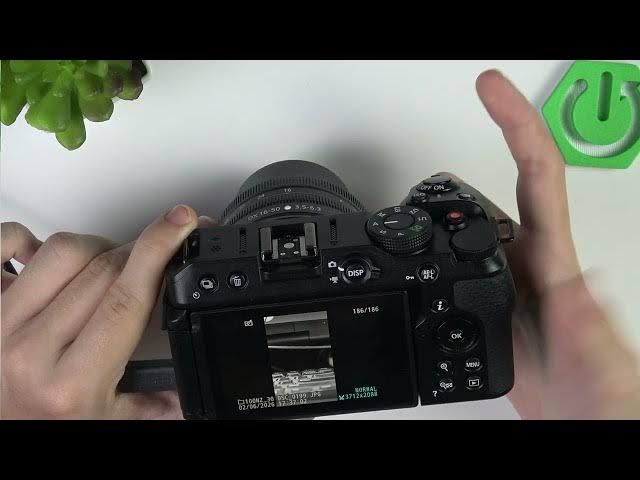

NIKON Z30 – How to Manage & Delete Files on Camera
Jun 3, 2026

In this video I show how to manage and delete files directly on the NIKON Z30 without a computer. You will learn how to open Playback, browse and zoom by date, delete individual photos, and use the Retouch menu for quick on-camera edits. I demonstrate raw processing, Trim (change aspect ratio), Resize single or multiple images, and other edits like lighting, red-eye correction, straightening, distortion control, perspective and overlays. These on-camera tools help you clear storage and make fast fixes before transferring files to your computer.
How to delete photos on NIKON Z30?
How to edit and trim photos on NIKON Z30 using the Retouch menu?
How to resize or batch resize images on NIKON Z30?
0:00 Intro – what you can do on-camera
0:10 Open Playback and browse files (zoom by date / one-by-one)
0:58 How to delete single photos (Delete button)
1:28 Retouch menu – Raw processing and Trim (change aspect ratio)
2:17 Resize photos and batch resize by date or folder
2:58 Other in-camera edits: lighting, red-eye, straighten, distortion, perspective, monochrome
3:20 Wrap up and final tips
#NIKONZ30 #Nikon #OnCameraEditing #DeletePhotos
Find out more:
https://www.hardreset.info/devices/nikon/nikon-z30/
Follow us on Instagram ► https://www.instagram.com/hardreset.info
Show More Show Less #Science