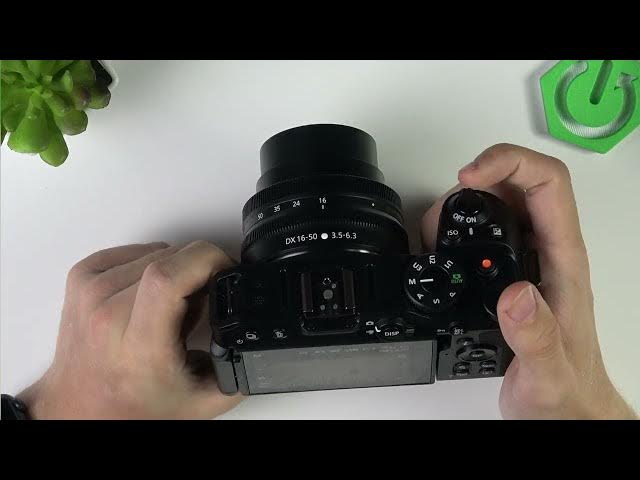

NIKON Z30 – Fix Overheating During 4K Recording
Jun 3, 2026

In this short video I show easy, practical steps to fix NIKON Z30 overheating while recording in 4K. You will learn which camera settings to change and simple shooting habits that reduce heat build-up: lower the frame size to 1080p, reduce the frame rate, set video quality/bitrate from High to Normal, add short intervals between clips, and avoid direct sunlight. These changes help prevent thermal warnings and extend continuous recording time on your Nikon Z30.
How to fix NIKON Z30 overheating while recording 4K?
How to change frame size and frame rate on NIKON Z30 for less heat?
Where is the video quality/bitrate setting on NIKON Z30 and how to set it to Normal?
0:00 Introduction
0:06 What causes overheating on the NIKON Z30
0:20 Lower resolution and change frame rate (menu → Video recording → Frame size/frame rate)
0:41 Reduce bitrate / set video quality to Normal
0:56 Use intervals between clips and avoid direct sunlight
1:15 Final tips and summary
#NIKONZ30 #NikonZ30 #4KRecording #Overheating
Find out more:
https://www.hardreset.info/devices/nikon/nikon-z30/
Follow us on Instagram ► https://www.instagram.com/hardreset.info
Like us on Facebook ► https://www.facebook.com/hardresetinfo/
Show More Show Less #Science