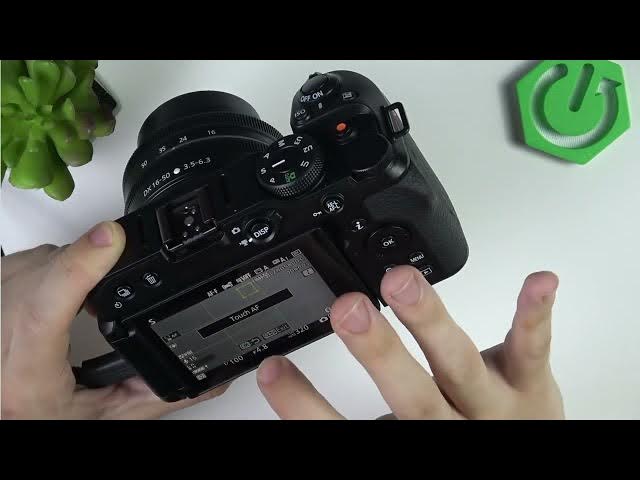

NIKON Z30 – How to Fix Touch Screen Not Responding
Jun 3, 2026

In this short video I show simple steps to fix the touch screen if it’s not responding on your NIKON Z30. You’ll learn how to check and enable Touch Controls in the setup menu, test touch-to-focus and playback, and try quick fixes like cleaning the screen, restarting the camera, and removing/reinserting the battery. These steps are fast and safe and should get the touchscreen working again without special tools or service.
How to fix touch screen not responding on NIKON Z30?
How to enable touch controls on NIKON Z30?
What to do if NIKON Z30 touchscreen is not working?
0:00 Intro — problem and quick overview
0:18 Open Menu → Setup → Touch controls
0:36 Enable touch or set to playback only and test touch-to-focus
0:59 Clean the screen and restart the camera
1:22 Remove and reinsert the battery (battery door demo)
1:42 Wrap up and final advice
#NIKONZ30 #Nikon #Touchscreen #CameraTips
Find out more:
https://www.hardreset.info/devices/nikon/nikon-z30/
Follow us on Instagram ► https://www.instagram.com/hardreset.info
Like us on Facebook ► https://www.facebook.com/hardresetinfo/
Show More Show Less #Science