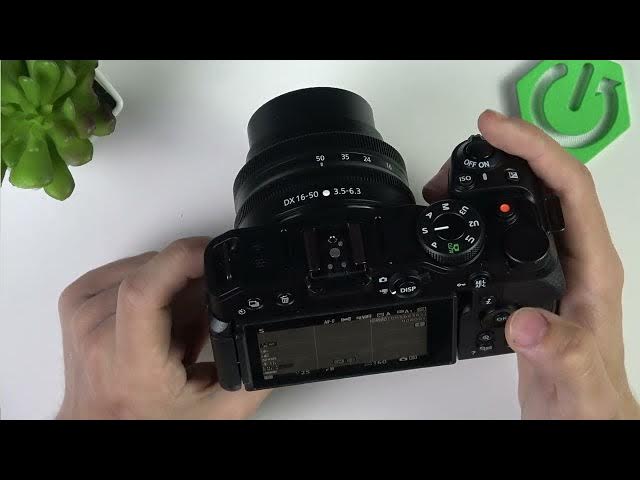

NIKON Z30 – How to Make Videos Look Cinematic
Jun 3, 2026

In this video I show simple, practical settings and filming tips to get a cinematic look with the NIKON Z30. You'll learn which frame size and frame rate to choose (24p), whether to shoot 4K or 1080p, how to use Picture Control "Flat" for a film-like base, why setting shutter to 1/50 in manual helps, and how zoom, distance, lighting and camera movement complete the cinematic result. These easy changes to camera settings plus basic shooting technique will quickly improve the look of your footage and make it feel more like cinema.
How to make cinematic videos on NIKON Z30?
How to set 4K 24p on NIKON Z30?
How to use Picture Control Flat on NIKON Z30?
0:00 Introduction — open video recording menu and set frame size & frame rate to 24p
0:30 Choose 4K 24p or 1080p 24p for a cinematic frame rate
0:59 Set Picture Control to Flat for a cinematic base look
1:18 Use manual mode and set shutter to 1/50 for film-like motion blur
1:36 Zoom and distance tip — shoot from farther away with more zoom for better compression
1:51 Lighting, camera movement and other creative tips to enhance the cinematic feel
2:10 Outro — recap and subscribe
#NIKONZ30 #CinematicVideo #FilmLook #CameraTips
Find out more:
https://www.hardreset.info/devices/nikon/nikon-z30/
Follow us on Instagram ► https://www.instagram.com/hardreset.info
Show More Show Less #Science