
NIKON Z30 - How to Record Vertical Video for Shorts
Jun 3, 2026

Learn how to record vertical video on the NIKON Z30 for YouTube Shorts and other vertical platforms. This video shows two simple methods: rotate the camera to portrait or keep it horizontal and crop to 9:16 later. You’ll also see how to enable the 3x3 framing grid (Custom settings → Shooting and display → Framing grid display) and why it’s useful to zoom out so your subject fits when you crop. Note: the Z30 can set 9:16 for photos in-camera, but it cannot crop video files on the camera — transfer clips to your phone or computer to crop and save vertical videos.
How to record vertical video on NIKON Z30?
How to enable the framing grid on NIKON Z30?
How to crop NIKON Z30 video to 9:16 for Shorts?
0:00 Introduction - what we'll cover
0:18 Two ways to make vertical video (overview)
0:30 Method 1 - flip the camera to portrait
0:38 Method 2 - keep camera horizontal and crop later
0:51 Why you should zoom out for later cropping
1:05 How to enable the 3x3 framing grid (menu path)
1:30 Recording demo and using framing to compose
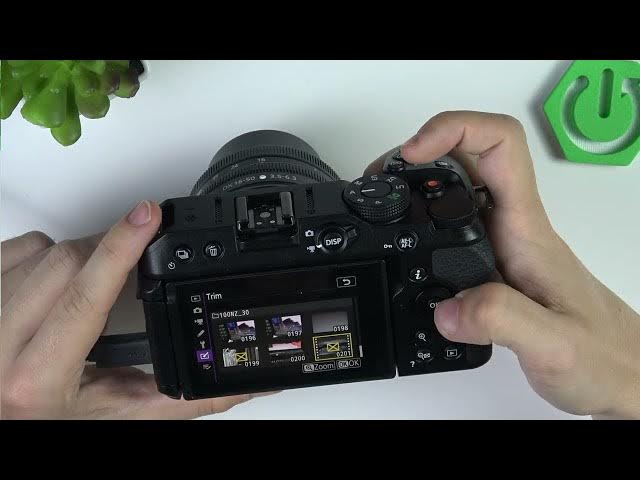
1:48 Retouch menu - trim attempt and limits
2:16 9:16 aspect ratio explanation and cropping note
2:33 How to transfer files to phone/computer for cropping
2:43 Wrap up and tips
#NIKONZ30 #VerticalVideo #Shorts #CameraTips
Show More Show Less #Science