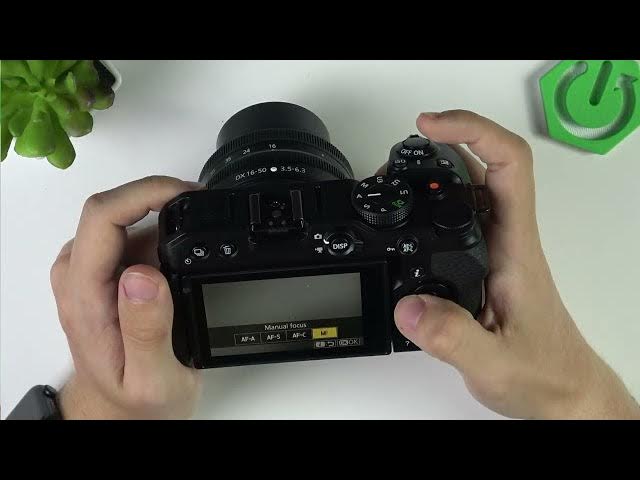

NIKON Z30 — How to Fix Blurry or Out-of-Focus Video
Jun 3, 2026

In this short video I show simple steps to fix blurry or out-of-focus video on the NIKON Z30. You’ll learn how to change the auto-focus mode using the i button, when to use continuous AF vs manual focus, how to pick the right auto-focus area (people, animals, wide-area), and some quick lens-cleaning and focus-ring tips to keep your footage sharp. These easy settings and checks will help stop soft or out-of-focus clips and improve your video quality fast.
How to fix blurry video on NIKON Z30?
How to set autofocus on NIKON Z30 for video?
How to stop out-of-focus video on NIKON Z30?
0:00 Introduction – Fix blurry or out-of-focus video
0:10 Change auto-focus mode (press the i button)
0:21 Set continuous AF or switch to manual focus
0:37 Using the focus ring in manual mode
0:57 Why continuous AF is better for dynamic shots
1:07 Auto-focus area mode: people, animals, wide-area
1:41 Quick lens cleaning and final tips
1:51 Outro and subscribe
#NIKONZ30 #Nikon #Autofocus #CameraTips
Find out more:
https://www.hardreset.info/devices/nikon/nikon-z30/
Show More Show Less #Science