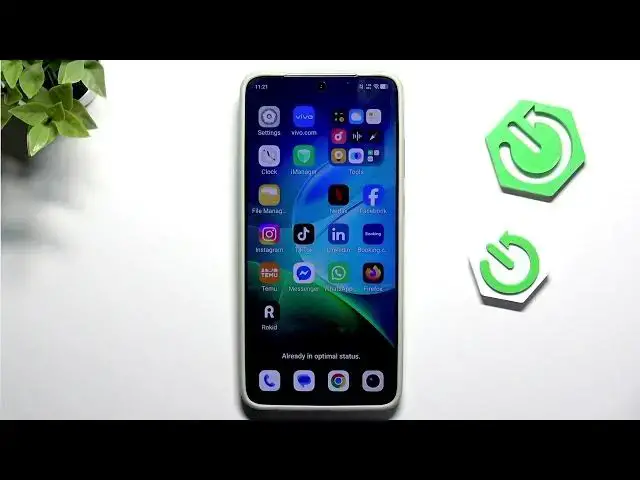

VIVO X300 Ultra – How to Fix Apps Freezing and Crashing
Jun 17, 2026

In this short video we show simple, effective steps to fix apps that freeze or crash on your VIVO X300 Ultra. You will learn how to close background apps, open Settings → Apps → App manager, find the problem app (example: Instagram), clear cache and clear data, force stop the app, or uninstall and reinstall it. These quick actions often restore app stability without needing a factory reset. Follow the steps, test the app after each action, and your VIVO X300 Ultra should run smoother.
How to fix apps freezing on VIVO X300 Ultra?
How to clear app cache and data on VIVO X300 Ultra?
How to stop apps crashing on VIVO X300 Ultra?
0:00 Intro
0:07 Close background apps
0:15 Open Settings → Apps
0:25 App manager – find the app
0:35 Clear cache and clear data
0:45 Force stop or uninstall & reinstall
0:52 Final tips and wrap up
#VIVOX300Ultra #VIVO #AndroidTips #FixApps
Find out more:
https://www.hardreset.info/devices/vivo/vivo-x300-ultra/
Follow us on Instagram ► https://www.instagram.com/hardreset.info
Show More Show Less #Science