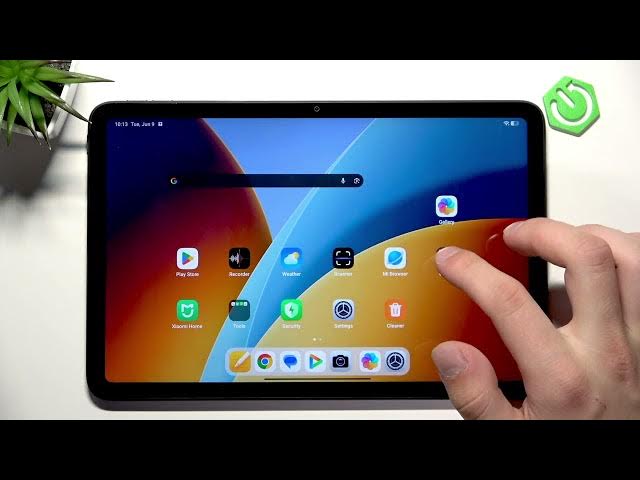

REDMI Pad 2 4G – How to Manage Storage
Jun 10, 2026

In this short video we show how to manage storage on your REDMI Pad 2 4G step by step. Learn how to remove unused apps from Settings → Apps, delete photos and videos in the Gallery, and install cleaner apps from the Play Store (for example CCleaner) to free up space and improve tablet performance. These simple actions will help you reclaim storage, keep your files organized, and make the device run smoother without any advanced setup.
How to manage storage on REDMI Pad 2 4G?
How to delete apps on REDMI Pad 2 4G?
How to free up space on REDMI Pad 2 4G?
0:00 Intro - what we'll show in this video
0:05 Open Settings and go to Apps
0:10 Uninstall unused apps to free space
0:27 Clean up Gallery - delete photos and videos
0:36 Install cleaner apps from Play Store (e.g., CCleaner)
0:55 Wrap up and final tips
#REDMI #REDMIPad2 #ManageStorage #AndroidTips
Find out more:
https://www.hardreset.info/devices/redmi/redmi-pad-2-4g/
Follow us on Instagram ► https://www.instagram.com/hardreset.info
Like us on Facebook ► https://www.facebook.com/hardresetinfo/
Show More Show Less #Science