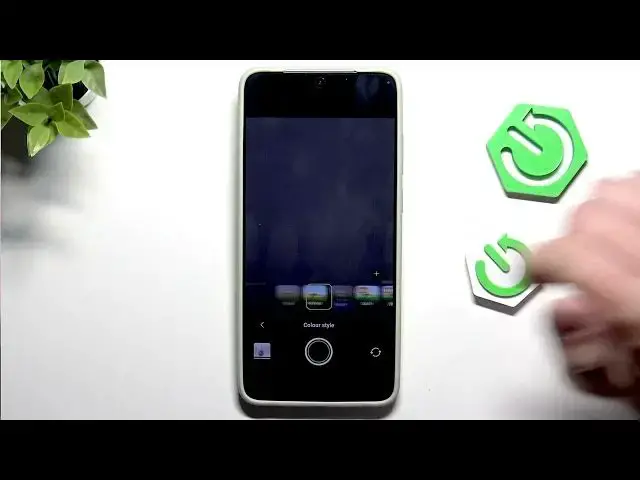

VIVO X300 Ultra — Fix Inaccurate Camera Colors
Jun 17, 2026

Learn how to fix inaccurate camera colors on the VIVO X300 Ultra with a few quick camera setting changes. In this short video we show you how to open the Camera app, disable Night mode, switch Vivid colors to Natural, and use Pro mode to manually adjust ISO, shutter speed, exposure, autofocus and white balance. These simple steps will reduce oversaturated tones and color casts so your photos look more natural on the VIVO X300 Ultra.
How to fix inaccurate camera colors on VIVO X300 Ultra?
How to change Vivid to Natural on VIVO X300 Ultra camera?
How to use Pro mode on VIVO X300 Ultra to correct white balance and exposure?
0:00 Introduction
0:07 Open Camera & Disable Night Mode
0:15 Change Vivid to Natural
0:25 Enter Pro Mode & Manual Settings (ISO, Shutter, Exposure)
0:35 Adjust White Balance & Autofocus
0:48 Wrap up & Tips
#VIVO #VIVOX300Ultra #CameraTips #Photography
Find out more:
https://www.hardreset.info/devices/vivo/vivo-x300-ultra/
Follow us on Instagram ► https://www.instagram.com/hardreset.info
Like us on Facebook ► https://www.facebook.com/hardresetinfo/
Show More Show Less #Science