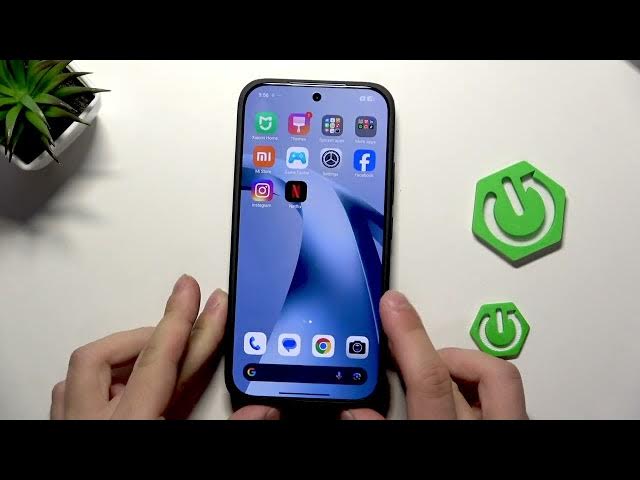

XIAOMI 17T – Fix fast charging not working
Jun 9, 2026

Learn how to fix fast charging not working on your XIAOMI 17T. In this short clear video we show simple steps you can do at home to restore fast charge: check the cable and charger for damage and compatibility, use the original charger, clean the USB-C charging port safely with compressed air or wooden swabs, and install system app updates or phone updates that can re-enable fast charging. These quick checks solve the most common fast charge problems on Xiaomi phones and take just a few minutes.
How to fix fast charging not working on XIAOMI 17T?
How to clean the charging port on XIAOMI 17T safely?
How to update system apps and firmware on XIAOMI 17T to restore fast charging?
0:00 Intro
0:06 Check the cable and charger for damage and compatibility
0:21 Clean the charging port with compressed air Q-tips or wooden sticks
0:37 Open System apps updater and check About phone for updates
1:00 Download updates and final tips
#XIAOMI17T #FastCharging #XiaomiCharge #ChargingFix
Find out more:
https://www.hardreset.info/devices/xiaomi/xiaomi-17t/
Follow us on Instagram ► https://www.instagram.com/hardreset.info
Like us on Facebook ► https://www.facebook.com/hardresetinfo/
Tweet us on Twitter ► https://twitter.com/HardResetI
Show More Show Less #Science