
NIKON Z30 - How to Fix a Frozen or Unresponsive Camera
Jun 3, 2026

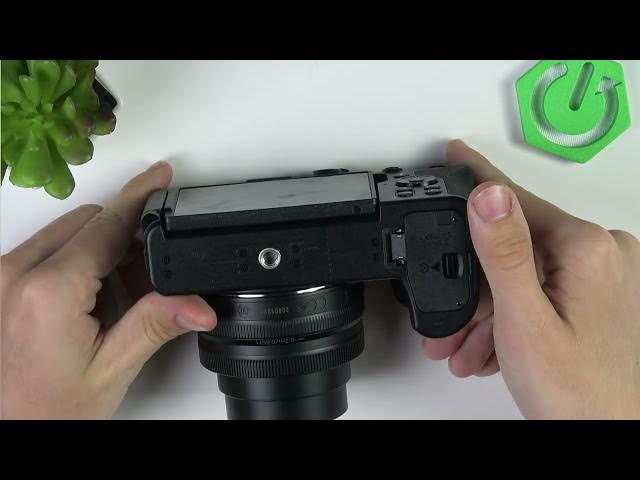
In this short video I show the fastest safe way to fix a NIKON Z30 that becomes frozen or unresponsive. If your Nikon camera locks up, stops responding, or will not take pictures, the easiest fix is a forced reboot: turn the camera off, open the battery door, push the yellow lock and remove the battery, wait at least 15 seconds, then reinsert the battery and turn the camera back on. This simple sequence resolves most software freezes without affecting settings and works as a first step before trying firmware updates or service.
How to fix a frozen NIKON Z30?
How to force reboot a NIKON Z30 when it is unresponsive?
Where is the battery release on the NIKON Z30 to remove the battery?
0:00 Intro - what to do if NIKON Z30 is frozen
0:06 Turn off the camera with the power switch
0:26 Open the battery door, push the yellow lock and remove the battery
0:44 Wait at least 15 seconds, reinsert the battery and power on
0:50 Outro - tips and subscribe
#NIKONZ30 #Nikon #CameraFix #CameraTroubleshooting
Find out more:
https://www.hardreset.info/devices/nikon/nikon-z30/
Follow us on Instagram ► https://www.instagram.com/hardreset.info
Like us on Facebook ► https://www.facebook.com/hardresetinfo/
Tweet us on Twitter ► https://twitter.com/HardResetI
Show More Show Less #Science