
AMAZFIT Cheetah 2 Pro – How to Adjust Sound Volume
Jun 14, 2026

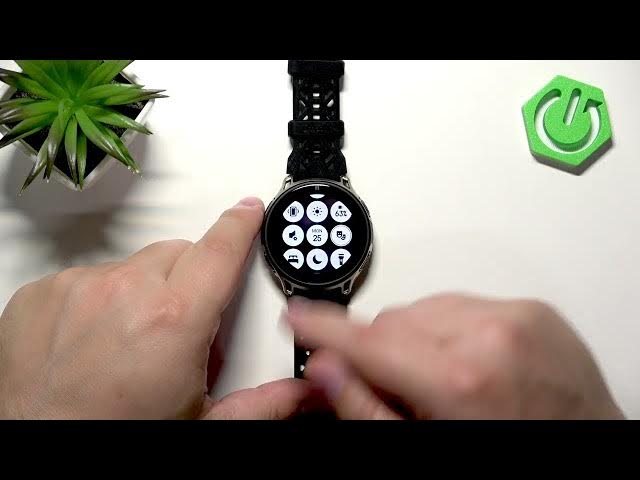
In this short video we show how to adjust the sound volume on the AMAZFIT Cheetah 2 Pro. You'll learn how to wake the screen, open the quick panel and tap the speaker icon with a cog to access separate volume controls. We cover alarms, media, workout, system sounds and the voice assistant step by step so you can set each volume to your liking.
How to adjust sound volume on AMAZFIT Cheetah 2 Pro?
How to change alarm volume on AMAZFIT Cheetah 2 Pro?
How to set media and system volume on AMAZFIT Cheetah 2 Pro?
0:00 Introduction
0:10 Wake the screen and open the quick panel
0:26 Tap the speaker icon with a cog to open Volume menu
0:40 Select and adjust Alarm, Media, Workout, System, Voice Assistant volumes
1:26 Use the question mark help for volume explanations
1:46 Outro — subscribe for more AMAZFIT tips
#AMAZFIT #AmazfitCheetah2Pro #Smartwatch #VolumeControl
Find out more:
https://www.hardreset.info/devices/amazfit/amazfit-cheetah-2-pro/adjust-sound-volume/
Follow us on Instagram ► https://www.instagram.com/hardreset.info
Like us on Facebook ► https://www.facebook.com/hardresetinfo/
Show More Show Less #Science