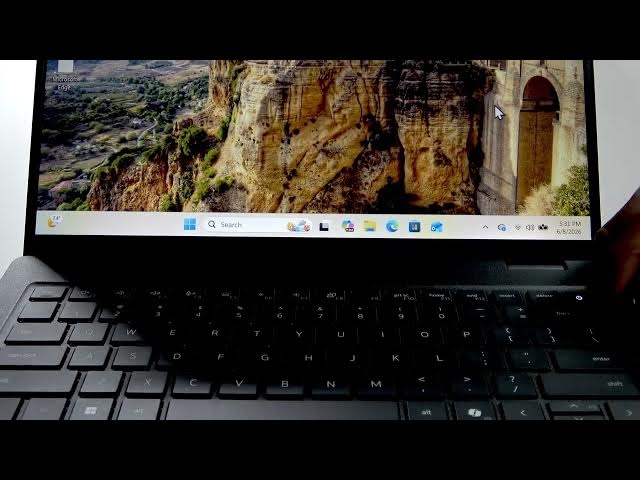

DELL Pro 14 – How to Turn Off
Jun 10, 2026

This video shows how to turn off your DELL Pro 14 in two easy ways. First, we demonstrate the normal shutdown from Windows: open the Start menu, go to Power and select Shut down. Second, if your laptop is frozen or unresponsive, learn how to force shut down by holding the power button for about 15 seconds until the lights go off. Includes quick tips on when to use each method and how to avoid losing unsaved work.
How to turn off DELL Pro 14?
How to force shut down DELL Pro 14 when frozen?
Where is the power button on DELL Pro 14?
0:00 Intro
0:08 Shut down from Start menu (Power → Shut down)
0:30 Force shutdown — hold power button ~15s
0:51 Final tips & subscribe
#DELLPro14 #Dell #ShutDown #ForceShutdown
Find out more:
https://www.hardreset.info/devices/dell/dell-pro-14/how-to-turn-off/
Follow us on Instagram ► https://www.instagram.com/hardreset.info
Like us on Facebook ► https://www.facebook.com/hardresetinfo/
Tweet us on Twitter ► https://twitter.com/HardResetI
Support us on TikTok ► https://www.tiktok.com/@hardreset.info
Show More Show Less #Science