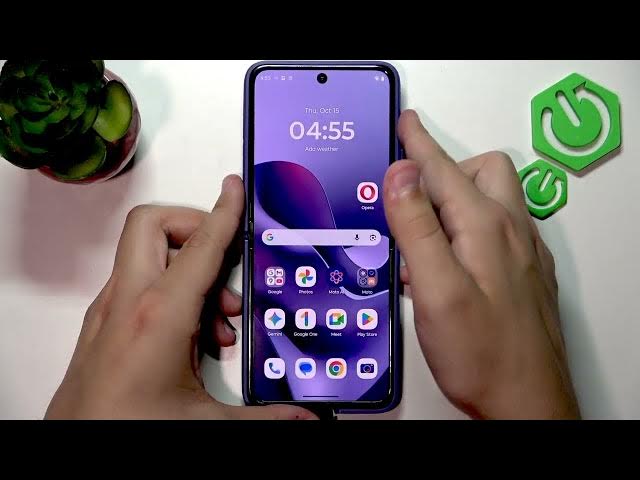

MOTOROLA Razr 70 Ultra – How to Fix Apps Crashing on Foldable Display
Jun 7, 2026

In this video we show simple, practical steps to fix apps that crash or fail to work correctly on the MOTOROLA Razr 70 Ultra foldable display. You will learn how to check app compatibility with the foldable screen, allow apps to open on the external display, perform a quick restart, and clear app cache and storage to resolve crashes. These easy steps usually fix issues for Google Messages and other third-party apps without advanced tools. Follow each step and test the app again to see if the problem is solved.
How to fix apps crashing on MOTOROLA Razr 70 Ultra foldable display?
How to clear cache and storage on MOTOROLA Razr 70 Ultra apps?
How to enable an app to open on the external display on MOTOROLA Razr 70 Ultra?
0:00 Intro - What this video will fix
0:08 Unlock the phone and go to the main screen
0:28 Try allowing the app to open on the external display
1:12 Quick restart (power + volume up) to refresh system
1:52 Check app support and open Settings → Apps
2:05 Clear app storage and cache for the crashing app
2:28 Sign in and test the app again
2:37 Outro and final tips
#Motorola #Razr70Ultra #FoldableDisplay #AppCrashFix
Find out more:
https://www.hardreset.info/devices/motorola/motorola-razr-70-ultra/
Show More Show Less #Science