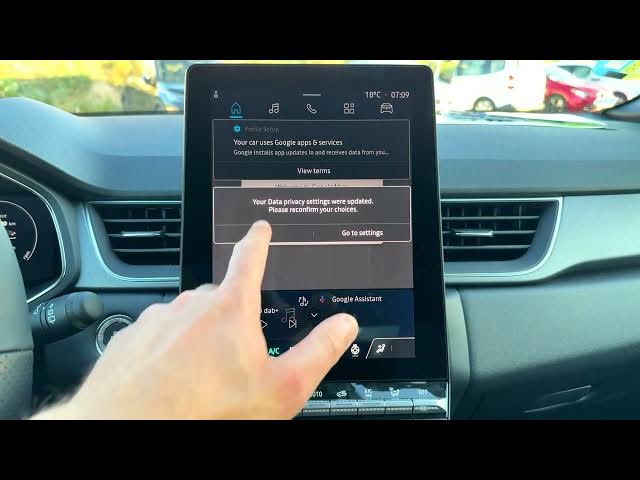

Renault Captur - How to Use Guest Profile
Jun 5, 2026

Learn how to enable and use the guest profile on the Renault Captur infotainment system. In this short clear video we show every step: open the Home screen, go to Apps, enter Settings → Profiles and Accounts, enable Guest profile, note the limitations of guest mode, optionally toggle vehicle location, and then switch back to your admin profile when finished. This helps when lending the car to someone temporarily or restricting access to personal settings on your Captur.
How to enable guest profile on Renault Captur?
How to switch from guest to admin profile on Renault Captur?
What limitations does the guest profile have on Renault Captur?
0:00 Introduction - what we'll show
0:04 Start from the Home screen and open Apps
0:16 Open Settings then Profiles and Accounts
0:42 Select the three-dots menu and enable Guest profile
0:50 Guest profile loading and note about limited functions
0:59 Optional: turn on vehicle location in guest mode
1:20 How to switch back to Admin profile
1:34 Finished - back in admin account
#RenaultCaptur #Renault #GuestProfile #CarInfotainment
Find out more:
https://www.hardreset.info/devices/renault/renault-captur/
Show More Show Less #Science