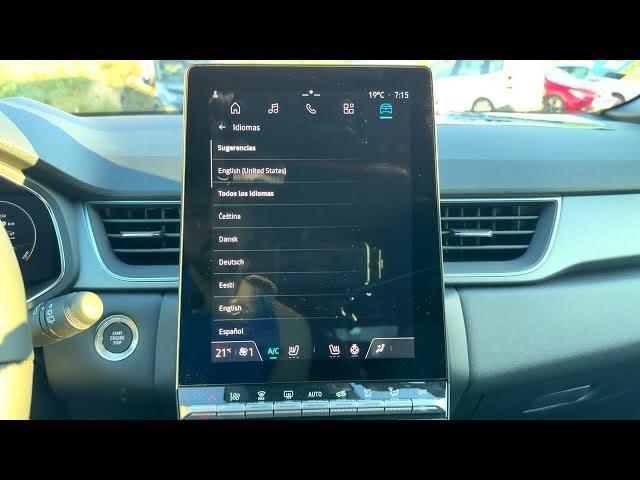

Renault Captur – How to Change Language
Jun 5, 2026

Learn how to change the language on your Renault Captur quickly and easily. This video shows the exact steps: open the home screen, tap the Apps icon, go to Settings → System → Languages & input, then pick the language you want (for example Español or English). If your infotainment is already in another language, follow the same path — look for "apps" and "settings" and then "languages" (idiomas). The guide works for Renault Captur units with standard system menus and helps you switch the display language in seconds.
How to change language on Renault Captur?
How to switch language in Renault Captur settings?
How to set English language on Renault Captur?
0:00 Introduction — what we will change
0:04 Open the home screen and tap the Apps icon
0:14 Scroll and open Settings
0:26 Go to System → Languages & input
0:32 Tap Languages to view full language list
0:49 Example: select Español to change to Spanish
1:03 Switch back to English (tap idiomas → English)
1:08 Outro — subscribe and thumbs up
#Renault #RenaultCaptur #CarSettings #ChangeLanguage
Find out more:
https://www.hardreset.info/devices/renault/renault-captur/change-language/
Show More Show Less #Science