
Renault Captur – How to Hard Reset the Infotainment (Factory Reset)
Jun 5, 2026

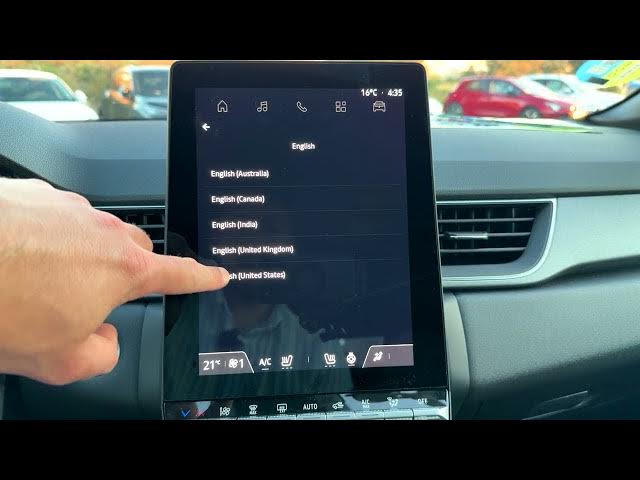
In this video I show how to perform a hard reset (factory reset) on the Renault Captur infotainment system. You will learn step-by-step how to open the Home screen, go to Apps, find Settings → System → Reset options and choose Restore Factory settings. I explain the confirmation steps, what data will be erased (Renault and Google accounts, downloaded apps and related data), and the quick setup flow after reset including language, My Renault and Google sign-in. This guide is useful if your Captur infotainment is acting up, you want to remove personal accounts, or you prepare the car for a new owner.
How to hard reset Renault Captur infotainment system?
How to restore factory settings on Renault Captur?
How to remove Renault and Google accounts from Renault Captur after reset?
0:00 Intro & overview of the reset
0:08 From Home screen tap Apps
0:17 Scroll to Settings
0:30 Open System → Reset options
0:47 Select Restore Factory settings (what it erases)
1:04 Confirm Reset and system restarts
1:32 Quick setup after reset (language, My Renault, Google)
2:44 Finish — device activated and tips
#RenaultCaptur #HardReset #FactoryReset #Infotainment
Find out more:
https://www.hardreset.info/devices/renault/renault-captur/hardreset-first-method/
Show More Show Less #Science