
Renault Captur – How to Manage Privacy Settings
Jun 5, 2026

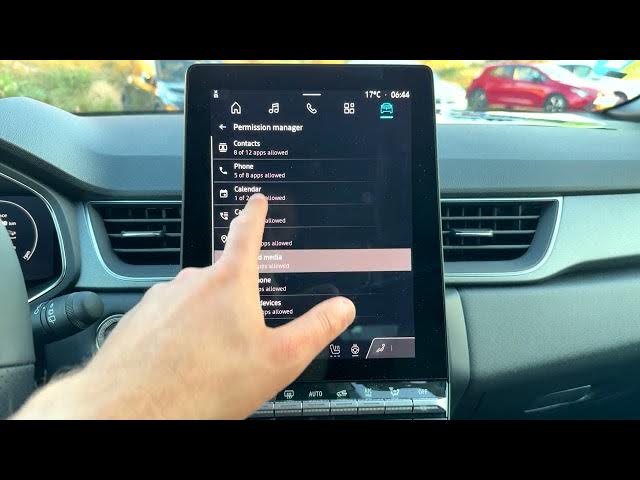
In this video we show how to manage privacy settings on the Renault Captur infotainment system. You will learn where to find Privacy in Settings, how to review and change microphone and location access, check app permissions for apps like Calendar, Phone and navigation apps, reset or delete the Advertising ID, erase profiles or all infotainment data, and control data sharing with Google and Renault partners. Follow these clear steps to protect your data and customize what your Renault Captur shares and allows.
How to change privacy settings on Renault Captur?
How to reset the advertising ID on Renault Captur?
How to erase infotainment profiles on Renault Captur?
0:00 Intro – Renault Captur and what we will change
0:06 Open the home screen and select Apps
0:16 Go to Settings and find Privacy
0:36 Microphone, Location and Recent Access overview
1:14 Check app permissions (Calendar, Phone, Maps/Waze)
1:43 Infotainment system data: delete profile or erase all data
2:03 Data sharing with Google, autofill, usage & diagnostics
2:28 Reset Advertising ID and confirm or delete it
2:48 Data sharing with Renault & partners – accept or refuse
2:57 Wrap up and subscribe for more car tips
#RenaultCaptur #PrivacySettings #Infotainment #CarTech
Find out more:
Show More Show Less #Science