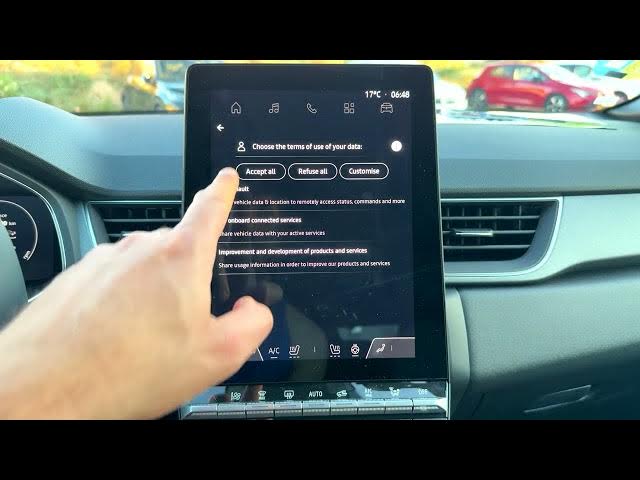

Renault Captur – How to Delete Profile from Infotainment System
Jun 5, 2026

Learn how to delete a user profile from the Renault Captur infotainment system step by step. In this short video you will see how to open the apps menu from the home screen, enter Settings, find Privacy → Infotainment system data and use the "Delete your profile" option. The clip also shows the confirmation message, what gets erased, and the quick setup steps after the reset so you can start fresh. This guide is useful if you want to remove accounts, clear personal data, or prepare the car for a new user.
How to delete profile on Renault Captur infotainment system?
How to reset Renault Captur profile and remove accounts?
Where is the delete profile option in Renault Captur settings?
0:00 Intro – what we will delete and why
0:05 Open the home screen and tap the Apps icon
0:16 Select Settings from the apps list
0:22 Go to Privacy then Infotainment system data
0:35 Tap "Delete your profile" option
0:47 Confirm deletion and read effects on data/apps
1:02 Quick setup after reset: choose language and skip/sign in
2:08 Done – quick start and final notes
#RenaultCaptur #Renault #Infotainment #CarTips
Find out more:
https://www.hardreset.info/devices/renault/renault-captur/
Show More Show Less #Science