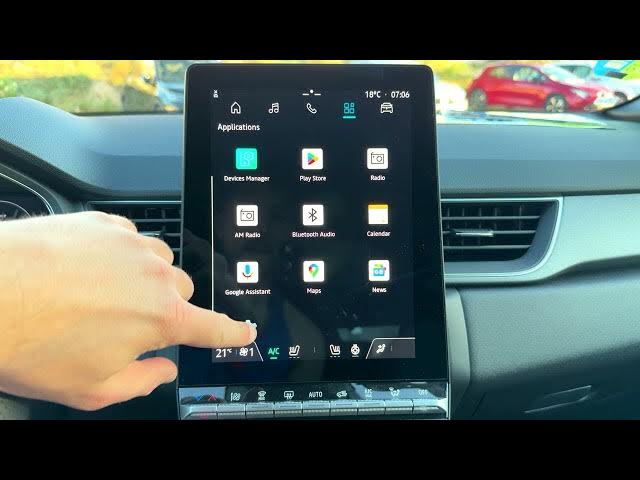

Renault Captur – How to Delete Profile
Jun 5, 2026

Learn how to delete a user profile from the Renault Captur infotainment system. This short, clear video walks you through every step: open the Home screen, tap Apps, go to Settings, choose Profiles & Accounts, select the profile, use the three-dot menu to Delete, confirm removal, and then verify remaining Admin or Guest profiles. You’ll also see how to enable the Guest profile or add a new profile if you need one. This guide fits Renault Captur models with the standard infotainment UI and is ideal for quick in-car adjustments.
How to delete a profile on Renault Captur infotainment system?
How to remove a user profile from Renault Captur?
How to enable guest profile or create a new profile on Renault Captur?
0:00 Intro – what we will do
0:07 Open Home screen and tap Apps
0:18 Go to Settings and select Profiles & Accounts
0:30 Choose the profile and open the three-dot menu
0:45 Tap Delete and confirm removal of app data
1:00 Verify Admin remains and check Guest profile
1:18 How to enable Guest or add a new profile
1:38 Wrap up and final notes
#RenaultCaptur #CarInfotainment #DeleteProfile #RenaultTips
Find out more:
https://www.hardreset.info/devices/renault/renault-captur/
Show More Show Less #Science