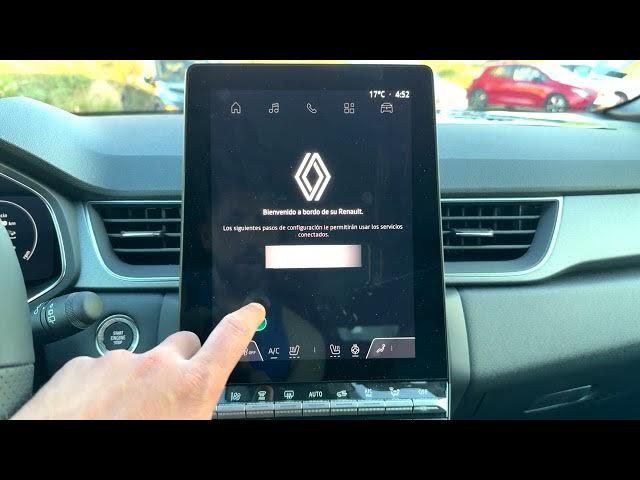

Renault Captur – How to Factory Reset Infotainment System
Jun 5, 2026

In this video I show how to perform a full factory reset on the Renault Captur infotainment system and erase all personal data, accounts and downloaded apps. You will learn each step: from the home screen open the Apps icon, go to Settings → Privacy → Infotainment system data, choose Erase all data (Factory reset), confirm Erase everything and wait while the car resets. After the reset we walk through the initial setup: choose language, accept terms, skip or sign in to Google, enable services and configure a profile or skip it. This guide helps if you are troubleshooting, selling the car, or removing accounts — back up any data before you start.
How to factory reset the Renault Captur infotainment system?
How to erase all data from Renault Captur infotainment system?
How to set up Renault Captur after a factory reset?
0:00 Intro – what the reset does
0:08 Open Home and select Apps
0:23 Settings → Privacy → Infotainment system data
0:35 Choose Erase all data (Factory reset)
0:53 Confirm Erase everything
1:06 Reset in progress – wait for completion
1:17 Initial setup – choose language and begin
1:58 Google sign-in, services and profile setup
3:27 Finish – system ready
#RenaultCaptur #FactoryReset #InfotainmentReset #CarTech
Find out more:
https://www.hardreset.info/devices/renault/renault-captur/hardreset-second-method/
Show More Show Less #Science