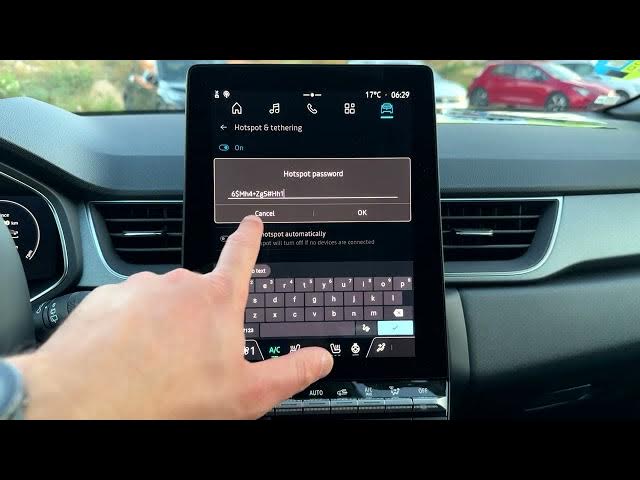

Renault Captur – How to Turn On Hotspot
Jun 5, 2026

In this short video you will learn how to turn on and manage the Wi‑Fi hotspot on a Renault Captur. I show the exact steps from the home screen: open the Apps menu, go to Settings → Network & internet, enable the hotspot, check or change the hotspot name and password, adjust AP band and enable automatic turn‑off when no device is connected. This is a quick and simple walkthrough so you can share mobile data with passengers or connect other devices in seconds.
How to turn on hotspot on Renault Captur?
How to change hotspot password on Renault Captur?
Where are hotspot settings in Renault Captur?
0:00 Intro – show the Renault Captur and what we’ll do
0:04 Open the home screen and find the Apps icon
0:11 Go to Settings → Network & internet
0:28 Enable the hotspot using the switch
0:41 View and change hotspot name and security/password
1:03 Change AP band and enable automatic turn‑off
1:17 How to disable hotspot and wrap up
#RenaultCaptur #Hotspot #CarWiFi #HowTo
Find out more:
https://www.hardreset.info/devices/renault/renault-captur/
Follow us on Instagram ► https://www.instagram.com/hardreset.info
Show More Show Less #Science