
Renault Captur – How to Reset Network Settings
Jun 5, 2026

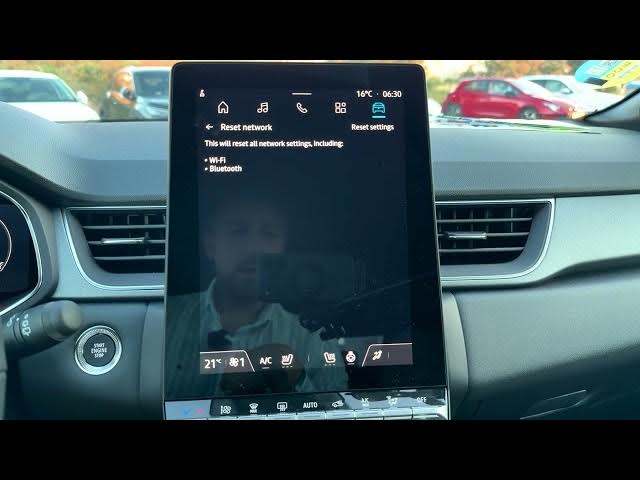
Learn how to quickly reset the network settings on your Renault Captur infotainment system. This video shows exactly where to find the Reset Network option, what the reset removes (saved Wi-Fi networks, Bluetooth pairings and other network data), and how to confirm the operation. If your Renault Connect, Bluetooth or Wi‑Fi is not working, resetting network settings often fixes pairing issues, lost connections, or strange network behavior. Follow these simple on-screen steps to get your Captur connected again and ready for use.
How to reset network settings on Renault Captur?
How to reset Wi-Fi and Bluetooth on Renault Captur?
Where is the Reset Network option in Renault Captur settings?
0:00 Introduction — what Reset Network does
0:04 Open the home screen and tap the Apps icon
0:16 Scroll to Settings, then open System
0:26 Select Reset, then choose Reset Network
0:46 Tap Reset Settings and confirm the operation
0:56 Network reset complete — tips after reset
#RenaultCaptur #ResetNetworkSettings #CarInfotainment #BluetoothWiFi
Find out more:
https://www.hardreset.info/devices/renault/renault-captur/reset-network-settings/
Follow us on Instagram ► https://www.instagram.com/hardreset.info
Like us on Facebook ► https://www.facebook.com/hardresetinfo/
Show More Show Less #Science