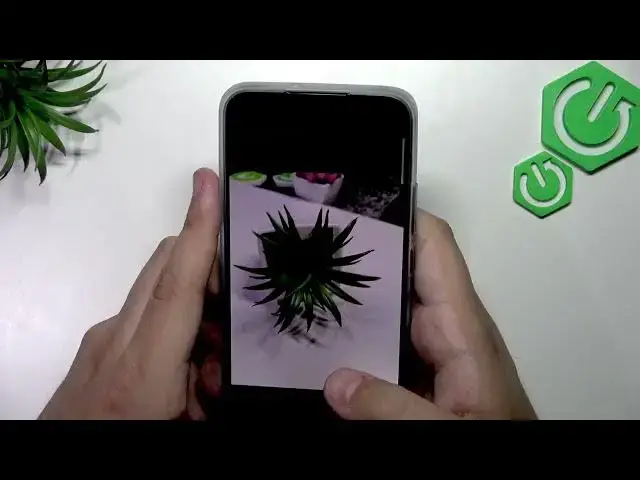

REALME 16 5G – How to Record 1080p Video & Use Pro Mode
Jul 1, 2026

In this video we show how to record 1080p video and how to use Pro mode on the REALME 16 5G camera. You will learn where to switch video resolution, how to select 1080p (instead of 720p), and how to enter Pro mode to adjust ISO, shutter speed, white balance, exposure and autofocus for better results. This guide is simple and practical so you can get sharper, cleaner video and control the image look manually on your REALME 16 5G.
How to record 1080p video on REALME 16 5G?
How to enter Pro mode on REALME 16 5G camera?
How to change ISO and shutter speed on REALME 16 5G Pro mode?
0:00 Intro and what we will cover
0:09 Open Camera and switch to Video mode
0:19 Select video resolution (720p or 1080p)
0:33 Confirm 1080p and position your phone
0:46 Enter Pro mode (tap More / Pro)
0:59 Adjust ISO, Shutter, White Balance, Exposure, AF
1:15 Quick automatic photo for comparison
1:49 Compare auto vs pro settings results
2:08 Final tips and wrap up
#REALME16 #REALME16Camera #1080p #ProMode
Find out more:
https://www.hardreset.info/devices/realme/realme-16-5g/
Show More Show Less #Science