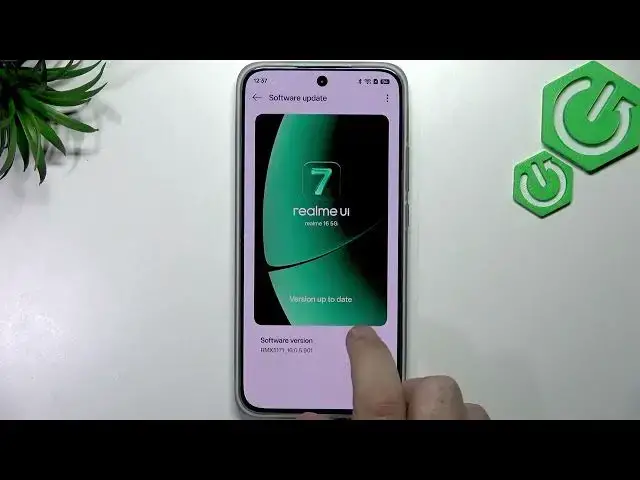

REALME 16 5G – How to Update Software to realme UI 7.0
Jul 1, 2026

In this video I show how to update the software on the REALME 16 5G to realme UI 7.0. You'll learn where to find Software Update in Settings → About device, how to check for updates, how to download and install the latest realme UI 7.0 build, and an alternate path via System & update if the option is not visible. I also explain why updating matters (bug fixes, stability and performance improvements) and how to enable automatic updates so your phone stays current. This short step-by-step guide is clear and easy to follow for new and experienced users alike.
How to update software on REALME 16 5G to realme UI 7.0?
How to check for Software Update on REALME 16 5G?
Where is the realme UI update setting on REALME 16 5G?
0:00 Intro and what we'll do
0:10 Open Settings on REALME 16 5G
0:26 Go to About device and tap realme UI
0:34 Software Update will check for updates
0:47 Tap Download & Install if an update is available
1:01 Why you should install updates and enable auto updates
1:13 Alternate path: System & update → Software update
1:24 Outro and final tips
#Realme16 #realmeUI7 #SoftwareUpdate #AndroidUpdate
Find out more:
https://www.hardreset.info/devices/realme/realme-16-5g/
Show More Show Less #Science