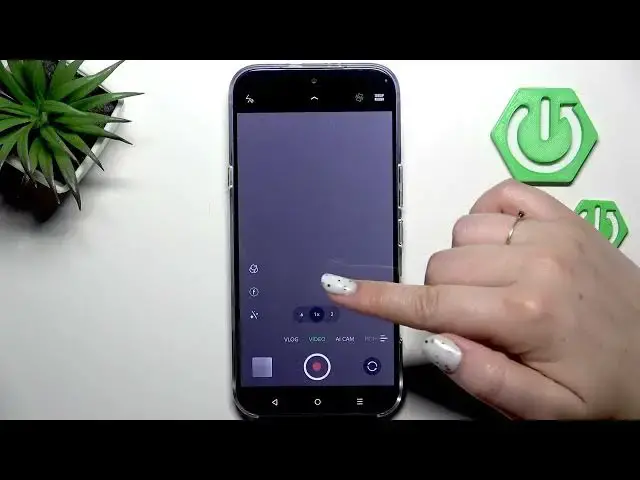

INFINIX Note 60 Pro – How to Change Video Resolution
Jun 30, 2026

Learn how to change the video resolution on the INFINIX Note 60 Pro. This short and clear walkthrough shows how to open the Camera app, switch to Video mode (look for the red dot inside the shutter), and access the video quality settings. You will see two ways to open resolution options — tap the resolution icon in the top option bar or swipe up from the bottom. The Note 60 Pro offers 720p, 1080p (with different FPS options) and 4K. I show how to pick 4K and how the selected resolution appears while recording.
How to change video resolution on INFINIX Note 60 Pro?
How to record in 4K on INFINIX Note 60 Pro?
Where is the video quality setting on INFINIX Note 60 Pro?
0:00 Intro — open Camera and what we will change
0:06 Switch to Video mode — check the red dot in the shutter
0:18 Two ways to open video options — top icon or swipe up
0:48 Video resolution options explained — 720p, 1080p (FPS) and 4K
0:58 Select 4K and confirm the chosen resolution
1:09 Outro — subscribe and thumbs up
#INFINIX #INFINIXNote60Pro #VideoResolution #4K
Find out more:
https://www.hardreset.info/devices/infinix/infinix-note-60-pro/video-resolution/
Follow us on Instagram ► https://www.instagram.com/hardreset.info
Like us on Facebook ► https://www.facebook.com/hardresetinfo/
Show More Show Less #Science