
LENOVO T1 S Pro – How to Factory Reset (Hard Reset)
Jun 30, 2026

In this video I show how to perform a HardReset (factory reset) on the LENOVO T1 S Pro robot. You will learn the difference between a NetworkReset and a full HardReset, when to use each one, and clear step-by-step instructions. I demonstrate how to reset the Wi‑Fi using the top buttons and how to use the small reset hole with a pin or paper clip to erase maps and restore factory settings. This is useful if you need to fix persistent issues, prepare the robot for sale, or start fresh.
How to factory reset LENOVO T1 S Pro?
How to perform network reset on LENOVO T1 S Pro?
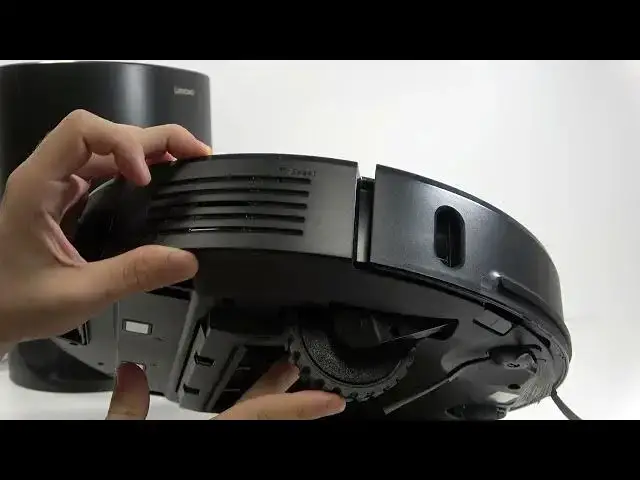
Where is the reset hole on LENOVO T1 S Pro and how do I use it?
0:00 Intro and what we will cover
0:11 NetworkReset vs HardReset explained
0:43 How to perform NetworkReset (press and hold two top buttons)
1:12 When you should use a full HardReset
1:25 How to locate and press the reset hole (use pin, needle or paper clip)
2:03 Hold until you hear the reset and release
2:21 Power the robot on and check settings
2:40 Outro and final tips
#LENOVO #LenovoT1SPro #FactoryReset #HardReset
Find out more:
https://www.hardreset.info/devices/lenovo/lenovo-t1-s-pro/
Show More Show Less #Science