
How to Fix LENOVO T1 S Pro Not Charging on Dock
Jun 30, 2026

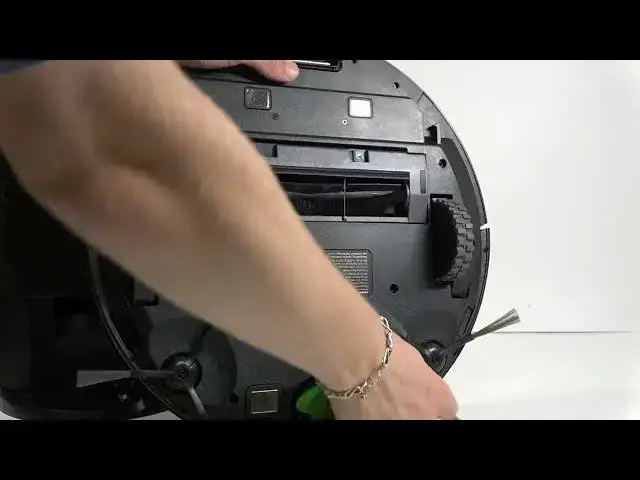
In this video I show simple, step-by-step checks to fix a LENOVO T1 S Pro robot vacuum that won't charge on its dock. You will learn how to verify the dock power and front LED, clean the charging contacts on both the robot and the station using a microfiber cloth (and alcohol if needed), position the robot correctly so the front contacts meet the dock, and use the Recharge button to force the robot to find the station. These quick actions solve the majority of charging problems without tools or service visits.
How to fix LENOVO T1 S Pro not charging on dock?
How to clean the charging contacts on LENOVO T1 S Pro robot?
How to make LENOVO T1 S Pro find the charging station using the Recharge button?
0:00 Introduction and overview
0:09 Check the dock power and front white LED
0:26 Inspect the contacts on robot and dock
0:43 How to clean contacts with microfiber and alcohol/water
1:07 Slide the front of the robot into the dock (correct orientation)
1:30 Don’t push the robot too far in — correct charging position
1:51 Press the Recharge button to make the robot search for the dock
2:17 Final tips and wrap-up
#LENOVOT1SPro #RobotVacuum #ChargingDock #Lenovo
Find out more:
https://www.hardreset.info/devices/lenovo/lenovo-t1-s-pro/
Show More Show Less #Science