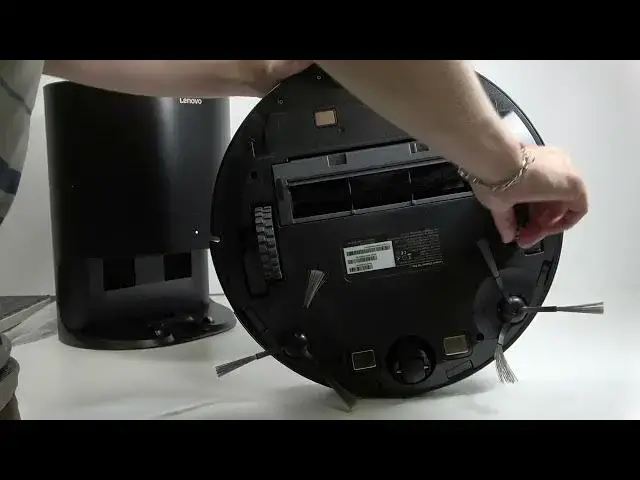

How to Fix Wheel Error on LENOVO T1 S Pro
Jun 30, 2026

In this video we show simple, safe steps to fix a wheel error on the LENOVO T1 S Pro robot vacuum. You will learn how to power off and flip the robot, check and gently rotate the motorized wheels, clean away debris and hair, and inspect the small third caster wheel that often gets tangled. These quick checks usually fix wheel stuck or wheel error messages without opening the robot or voiding warranty. Follow each step carefully and only use gentle force where needed.
How to fix wheel error on LENOVO T1 S Pro?
How to clean the wheels on LENOVO T1 S Pro robot vacuum?
How to check the third wheel on LENOVO T1 S Pro if it is stuck?
0:00 Intro – what we will fix
0:10 Power off and flip the LENOVO T1 S Pro
0:24 Check and try rotating the motorized wheels
0:51 Clean debris and remove hair with cloth or scissors
1:31 Tap and gently shake the robot to dislodge dirt
1:45 Inspect the small third wheel for tangles
2:04 Conclusion and final tips
#Lenovo #LENOVOT1SPro #RobotVacuum #WheelError
Find out more:
https://www.hardreset.info/devices/lenovo/lenovo-t1-s-pro/
Follow us on Instagram ► https://www.instagram.com/hardreset.info
Show More Show Less #Science