
LENOVO T1 S Pro – How to Use Auto Empty
Jun 30, 2026

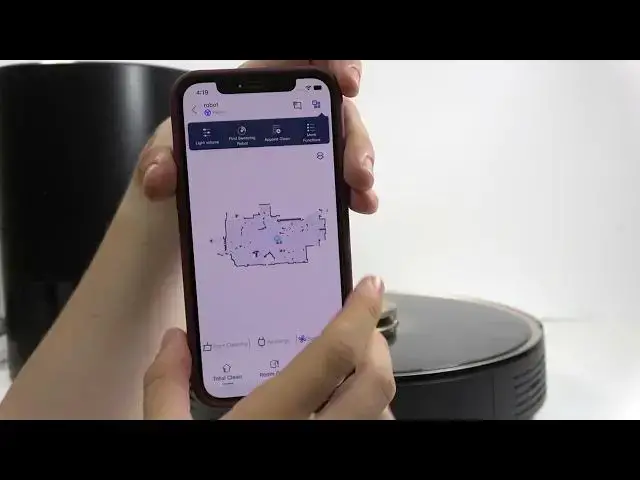
In this video I'll show you how Auto Empty works and how to use it on the LENOVO T1 S Pro. You will learn the default behavior after each cleaning, how to change dust collection settings in the app, how to manually trigger an empty, and what to expect when the robot returns to the station to empty the dustbin into the station bag. This covers dust collection management options (empty after 1/2/3 tasks or never), removing and manually emptying the bin, and the docking orientation needed for a proper auto-empty cycle.
How to use auto empty on LENOVO T1 S Pro?
How to set dust collection management on LENOVO T1 S Pro?
How to manually start auto empty on LENOVO T1 S Pro?
0:00 Introduction
0:10 Default auto-empty behavior after cleaning
0:22 Robot returns to station to empty dustbin
0:43 Open app settings → More features
0:50 Dust collection management: 1x / 2x / 3x / Never
1:16 Manual empty: remove bin or press empty button
1:25 Docking note: robot must enter station from the back
1:42 Summary and final tips
#Lenovo #T1SPro #AutoEmpty #RobotVacuum
Find out more:
https://www.hardreset.info/devices/lenovo/lenovo-t1-s-pro/
Show More Show Less #Science