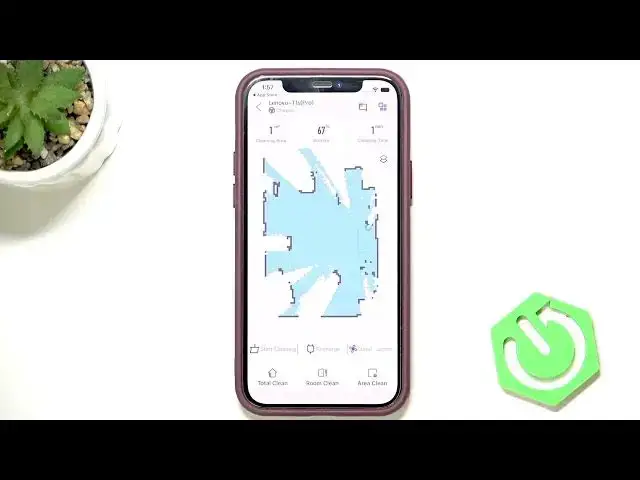

LENOVO T1 S Pro – How to Create a Map
Jun 30, 2026

In this video I show how to create your first map on the LENOVO T1 S Pro robot vacuum. There is no single "create map" button — the robot builds the map automatically while it cleans. You will learn which cleaning mode to use, how to start a mapping run, and how the vacuum scans and saves the layout so you can edit rooms and no-go zones later. This simple method ensures a complete floor map and helps avoid mapping errors.
How to create a map on LENOVO T1 S Pro?
How to save and edit the map on LENOVO T1 S Pro?
Where is the map feature in the LENOVO T1 S Pro app?
0:00 Introduction – what mapping on T1 S Pro means
0:18 Choose cleaning mode – room cleaning or area cleaning
0:35 Start cleaning – begin the mapping run
0:55 Mapping process – how the robot scans your home
1:05 Map saved – where to find and edit the map in the app
#Lenovo #LenovoT1SPro #robotvacuum #mapping
Find out more:
https://www.hardreset.info/devices/lenovo/lenovo-t1-s-pro/
Follow us on Instagram ► https://www.instagram.com/hardreset.info
Like us on Facebook ► https://www.facebook.com/hardresetinfo/
Tweet us on Twitter ► https://twitter.com/HardResetI
Show More Show Less #Science