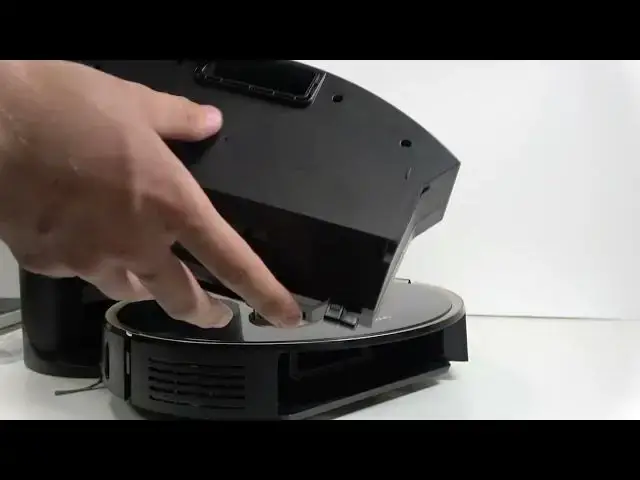

LENOVO T1 S Pro – How to Manually Empty & Clean Dust Bin
Jun 30, 2026

In this video I show you how to manually empty and clean the dust bin on the LENOVO T1 S Pro. You will learn where the release button is, how to remove the dust bin, open and empty it, remove and rinse the filter, and how long to air dry parts before reassembly. I also show the small cleaning tool with the brush and cutter for removing tangled hair from the main and side brushes. This quick step-by-step guide helps keep your robot vacuum working reliably, prevents mold after washing, and explains when manual cleaning is needed even if auto-empty is enabled.
How to manually empty the dust bin on LENOVO T1 S Pro?
How to clean and rinse the filter on LENOVO T1 S Pro?
Where is the dust bin release button on LENOVO T1 S Pro?
0:00 Introduction – what we will clean
0:09 Auto-empty settings explained
0:33 When you should clean the dust bin manually
0:42 How to find and press the release button on the back
0:50 Remove the dust bin from the robot
1:07 Open the dust bin and empty debris
1:17 Remove the filter and how to rinse it safely
1:32 Drying advice – air dry filter and dust bin for 24 hours
1:49 Reinsert filter, close dust bin, and reattach
1:55 Cleaning tool – brush and cutter for tangled hair
2:12 Wrap up and final tips
#LenovoT1SPro #Lenovo #RobotVacuum #DustBinCleaning
Show More Show Less #Science