
How to Store LENOVO T1 S Pro When Not in Use
Jun 30, 2026

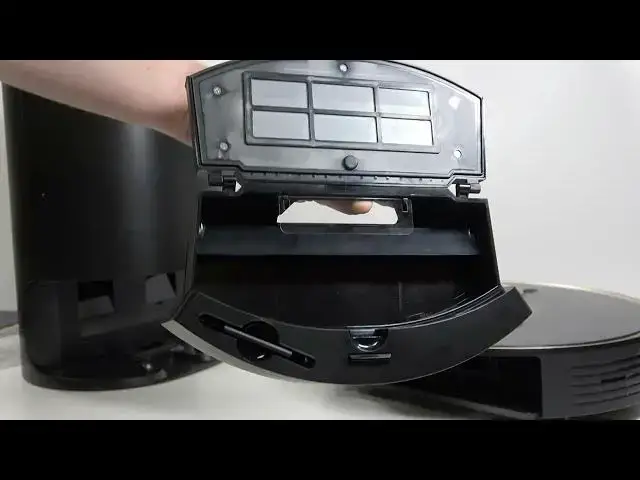
Learn how to store your LENOVO T1 S Pro robot vacuum safely when you plan to leave it unused for weeks or months. In this video we cover battery recommendations, how to turn the robot off, cleaning and rinsing the dust bin and filter, letting parts air dry, removing the dust bag, and storing the robot and charging station in a dust-free place. Following these steps helps protect the battery, prevents mold in filters, and keeps your vacuum ready to go when you need it again.
How to store LENOVO T1 S Pro when not in use?
How to prepare LENOVO T1 S Pro for long term storage?
Where should I keep the LENOVO T1 S Pro charging station while stored?
0:00 Introduction
0:09 Charge to ~50% (or full) and why it matters
0:44 How to power off the LENOVO T1 S Pro
0:51 Remove and empty the dust bin
1:01 Rinse the filter (both sides)
1:16 Air dry the filter for at least 24 hours to avoid mold
1:20 Remove the dust bag and store separately if not full
1:57 Unplug the charging station and store it in a dust-free place
2:05 Final tips and outro
#LENOVO #T1SPro #RobotVacuum #StorageTips
Find out more:
https://www.hardreset.info/devices/lenovo/lenovo-t1-s-pro/
Show More Show Less #Science