
LENOVO T1 S Pro – How to Use Manual Remote Control in App
Jun 30, 2026

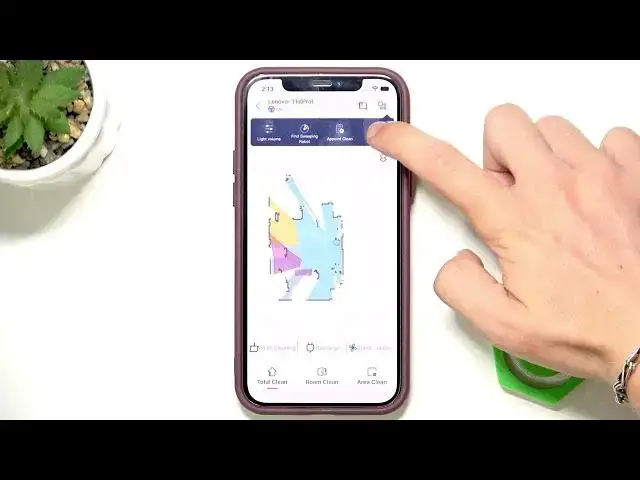
This video shows how to use the manual remote control inside the LENOVO T1 S Pro app. You will learn where to open More functions from the top-right button, how to find and select the Remote Controller, use the on-screen buttons to drive the robot manually, and how to send the robot back to the charging station using the Recharge command. Clear and simple steps perfect for beginners who want quick control of their Lenovo T1 S Pro robot vacuum from the phone app.
How to use manual remote control in LENOVO T1 S Pro app?
How to find the remote controller setting in LENOVO T1 S Pro app?
How to send LENOVO T1 S Pro to recharge using the app manual remote control?
0:00 Introduction
0:07 Tap the top-right button → More functions
0:19 Open Remote Controller in the app
0:29 Use on-screen buttons to control movement
0:34 Tap Recharge to return to the station
0:36 Wrap up and tips
#LenovoT1SPro #RobotVacuum #RemoteControl #Lenovo
Find out more:
https://www.hardreset.info/devices/lenovo/lenovo-t1-s-pro/
Follow us on Instagram ► https://www.instagram.com/hardreset.info
Like us on Facebook ► https://www.facebook.com/hardresetinfo/
Show More Show Less #Science