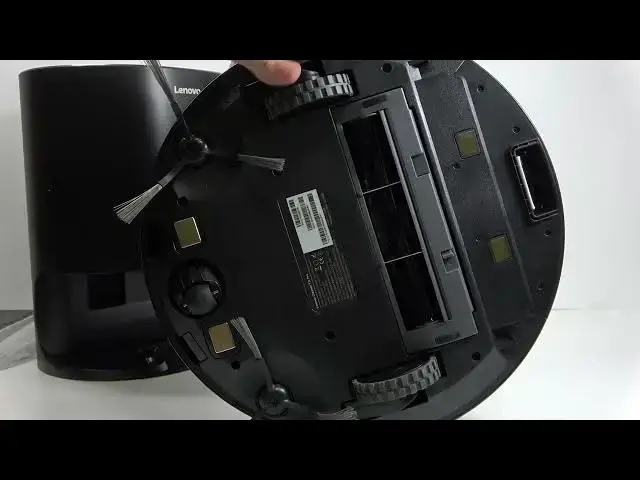

How to Fix LENOVO T1 S Pro Side Brush & Main Brush Not Spinning
Jun 30, 2026

Having a stopped side brush or main brush on your LENOVO T1 S Pro? In this short video I show simple, practical steps to diagnose and fix both problems. You will learn how to remove and clean the side brushes, unscrew and clear debris from the main brush, check for motor issues, test the brushes after reassembly, and try a firmware update that can sometimes resolve software-related motor problems. This video is made for LENOVO T1 S Pro owners who want a quick, easy repair at home before contacting authorized service.
How to fix LENOVO T1 S Pro side brush not spinning?
How to fix LENOVO T1 S Pro main brush not spinning?
How to update firmware on LENOVO T1 S Pro robot vacuum?
0:00 Intro - what we will fix
0:10 Remove and clean side brushes
0:25 Unscrew side brush caps and remove particles
0:39 When to suspect motor malfunction and contact service
0:48 Open cover and remove the main brush
1:04 Clean main brush - remove tangled hair and debris
1:16 Reinstall brushes and test the robot
1:26 Try firmware update before service
1:40 Outro and final tips
#LENOVO #T1SPro #RobotVacuum #BrushFix
Find out more:
https://www.hardreset.info/devices/lenovo/lenovo-t1-s-pro/
Show More Show Less #Science