
LENOVO T1 S Pro – How to Fix Stuck on Error Code
Jun 30, 2026

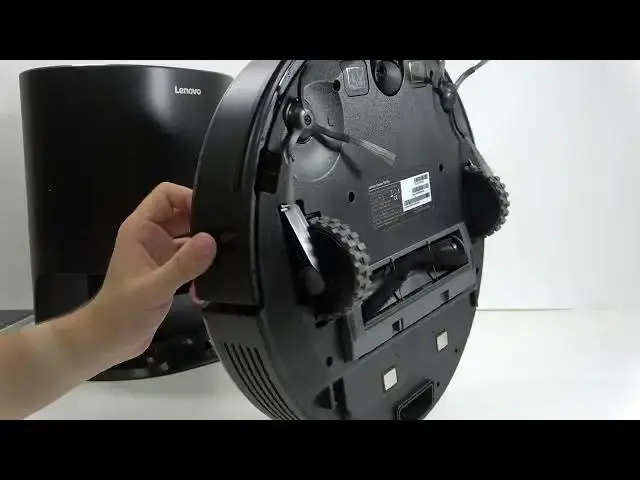
Having your LENOVO T1 S Pro stop and show an error code is frustrating. In this video I show simple, step-by-step checks to get the robot unstuck and running again. You will learn how to check for things blocking the robot, flip it to inspect wheels and brushes, test the bumper, and clean the cliff and front sensors safely with a microfiber cloth and isopropyl alcohol. These quick fixes solve most error-code stops without special tools and can save you a service visit.
How to fix LENOVO T1 S Pro stuck on an error code?
How to clean the sensors on LENOVO T1 S Pro?
How to remove obstructions from LENOVO T1 S Pro wheels and brushes?
0:00 Introduction — what the error means
0:09 Common causes of the error code
0:58 Check for external obstructions where the robot stopped
1:15 Flip the robot to inspect wheels and side brushes
1:48 Check the main brush and wheel movement
2:17 Test the bumper and remove hidden obstructions
2:31 Clean cliff and front sensors (microfiber + isopropyl alcohol)
3:09 Wrap up and final tips
#LENOVOT1SPro #Lenovo #RobotVacuum #ErrorCode
Find out more:
https://www.hardreset.info/devices/lenovo/lenovo-t1-s-pro/
Show More Show Less #Science