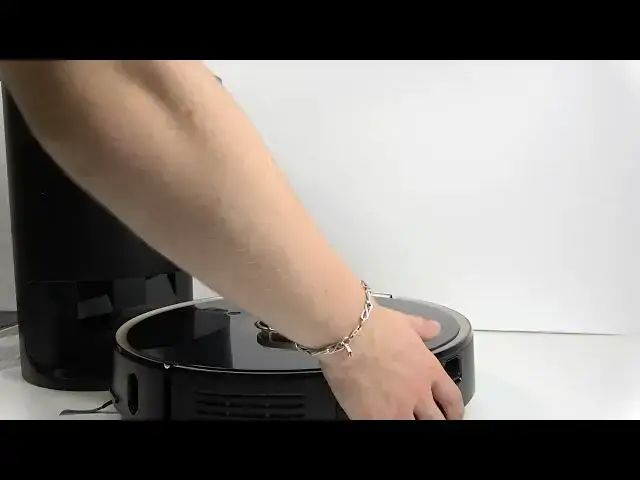

LENOVO T1 S Pro – How to Send Robot to Dock Station
Jun 30, 2026

In this short video I show how to send your LENOVO T1 S Pro robot to its dock station and get it charging. You will see three ways to charge: manually placing the robot in the dock, pressing the recharge button on the robot, and sending the robot to the dock from the mobile app. I explain front vs back docking, dustbin emptying behavior, and practical tips (slide slowly, watch the charging indicator) so the robot connects and starts recharging reliably.
How to send LENOVO T1 S Pro to dock station?
How to send LENOVO T1 S Pro to dock from the app?
How to manually dock LENOVO T1 S Pro to charge?
0:00 Intro – what we will show
0:09 Three ways to charge your LENOVO T1 S Pro
0:18 Manual docking – front vs back and tips
0:59 Using the recharge button on the robot
1:25 Sending the robot to the dock from the app
1:49 Final tips, like and subscribe
#LENOVO #LenovoT1SPro #DockStation #RobotVacuum
Find out more:
https://www.hardreset.info/devices/lenovo/lenovo-t1-s-pro/
Follow us on Instagram ► https://www.instagram.com/hardreset.info
Like us on Facebook ► https://www.facebook.com/hardresetinfo/
Show More Show Less #Science