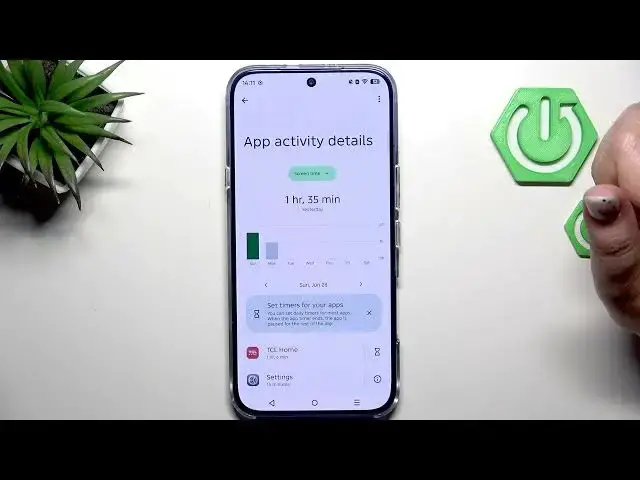

INFINIX Note 60 Pro – How to Check Total Screen Time
Jun 30, 2026

Learn how to check total screen time on the INFINIX Note 60 Pro. In this short and clear video we open Settings, find Digital Wellbeing and Parental Controls, and show the daily screen time graph, unlocks and notifications count. You will learn how to open the dashboard to compare usage by day, view the app-by-app time list, and check app-specific dashboards with hourly or daily views. This guide is ideal for INFINIX Note 60 Pro users who want to monitor phone use and better understand which apps take most of their time.
How to check total screen time on INFINIX Note 60 Pro?
How to view app screen time on INFINIX Note 60 Pro?
Where is Digital Wellbeing and Parental Controls on INFINIX Note 60 Pro?
0:00 Intro
0:06 Open Settings and find Digital Wellbeing and Parental Controls
0:21 View the daily screen time graph
0:40 Open the dashboard to compare days
0:53 See the app-by-app usage list and time spent
1:02 Open an app-specific dashboard and switch to hourly view
1:10 Closing and subscribe
#InfinixNote60Pro #ScreenTime #DigitalWellbeing #AndroidTips
Find out more:
https://www.hardreset.info/devices/infinix/infinix-note-60-pro/check-total-screen-time/
Follow us on Instagram ► https://www.instagram.com/hardreset.info
Show More Show Less #Science