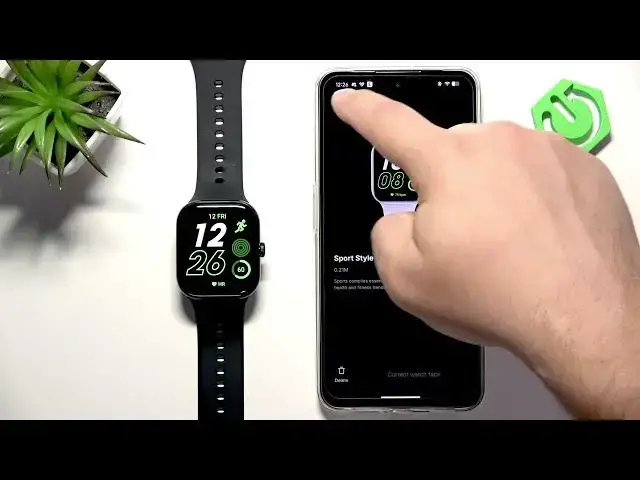

VIVO Watch GT 2 – How to Download Additional Watch Faces
Jun 15, 2026

In this video I show how to download and install additional watch faces on the VIVO Watch GT 2. You will learn which phone app you need, how to open the watch face store, how to install new faces and how to remove installed faces when you run out of space. This works with the Origin Health app on Android and the VIVO Health app on iPhone, and the steps are simple and fast so you can change your watch look in minutes.
How to download additional watch faces on VIVO Watch GT 2?
How to use the VIVO Health (Origin Health) app to install watch faces on VIVO Watch GT 2?
How to remove watch faces from VIVO Watch GT 2 to free up space?
0:00 Intro – what we’ll do in this video
0:14 Pairing requirement and app names (Origin Health on Android / VIVO Health on iPhone)
0:29 Open the phone app and tap Devices to find your VIVO Watch GT 2
0:43 Open Watch Face Store and tap More to browse categories
0:58 Select a watch face and tap Install to apply it to your watch
1:19 Manage installed faces – My Faces → Installed → Edit → Remove
1:48 Wrap up and tips for freeing space and installing more faces
#VIVOWatchGT2 #VIVOWatch #WatchFaces #VivoHealth
Find out more:
https://www.hardreset.info/devices/vivo/vivo-watch-gt-2-bluetooth/how-to-download-additional-watch-faces/
Follow us on Instagram ► https://www.instagram.com/hardreset.info
Show More Show Less #Science