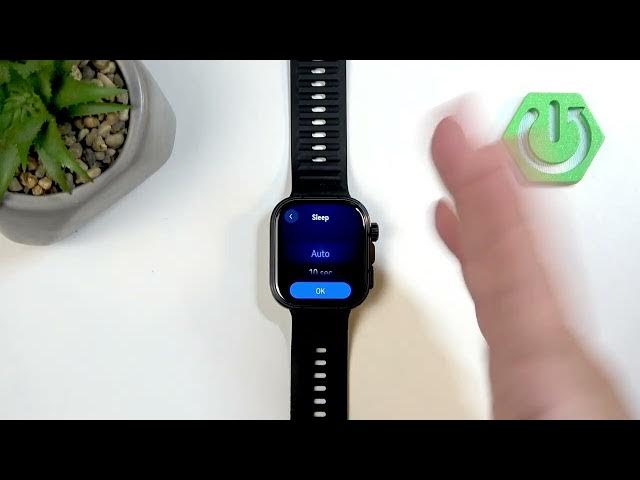

HUAWEI Watch Fit 5 Pro – How to Change Screen Timeout
Jun 10, 2026

In this short video I show how to change the screen timeout duration on the HUAWEI Watch Fit 5 Pro. You will learn how to wake the watch, open Settings, go to Display & Brightness, find the Sleep (screen timeout) option and choose Auto, 10s, 15s or 20s. I also explain battery impact and give a recommendation so you can keep the screen on for as long as you need without wasting power.
How to change the screen timeout on HUAWEI Watch Fit 5 Pro?
How to set screen timeout on HUAWEI Watch Fit 5 Pro to 10 seconds?
Where is the Sleep (screen timeout) option on HUAWEI Watch Fit 5 Pro?
0:00 Introduction
0:10 Wake the watch and open the menu
0:29 Open Settings → Display & Brightness
0:41 Find the Sleep / Screen timeout option
0:52 Choose Auto, 10s, 15s or 20s (battery note)
1:26 Confirm your selection
1:41 Test the timeout
1:48 Outro
#HUAWEIWatchFit5Pro #ScreenTimeout #BatterySaving #WatchSettings
Find out more:
https://www.hardreset.info/devices/huawei/huawei-watch-fit-5-pro/screen-timeout/
Show More Show Less #Science