
MOTOROLA Razr 70 Plus – How to Change Screen Timeout
Jun 10, 2026

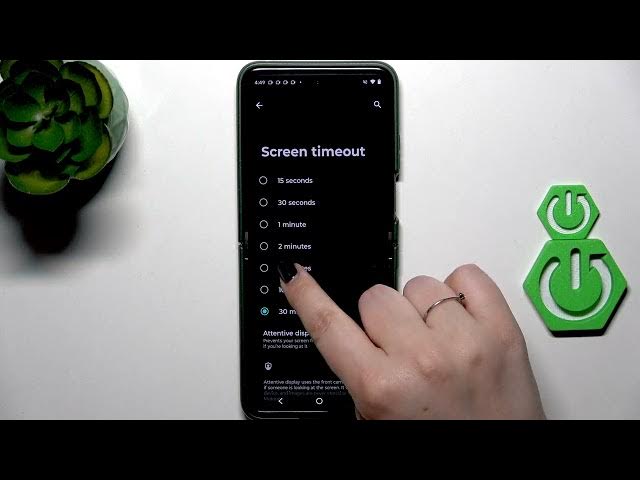
In this short video you’ll learn how to change the screen timeout on the MOTOROLA Razr 70 Plus. I show exactly where to go in Settings, how to open Display, and how to find the Screen timeout option. You’ll see the available choices (short options up to a 30 minute maximum) and how to select one — I pick 5 minutes as an example. This quick tweak helps save battery or keep the screen on longer when you need it.
How to change screen timeout on MOTOROLA Razr 70 Plus?
How to set screen timeout to 30 minutes on MOTOROLA Razr 70 Plus?
Where is the Screen timeout setting in MOTOROLA Razr 70 Plus?
0:00 Introduction and device overview
0:06 Open Settings and scroll to Display
0:18 Find and open Screen timeout
0:25 Choose a timeout option (example: 5 minutes)
0:46 Confirm change and finish
#MOTOROLA #Razr70Plus #ScreenTimeout #AndroidSettings
Find out more:
https://www.hardreset.info/devices/motorola/motorola-razr-70-plus/screen-timeout/
Follow us on Instagram ► https://www.instagram.com/hardreset.info
Like us on Facebook ► https://www.facebook.com/hardresetinfo/
Tweet us on Twitter ► https://twitter.com/HardResetI
Show More Show Less #Science