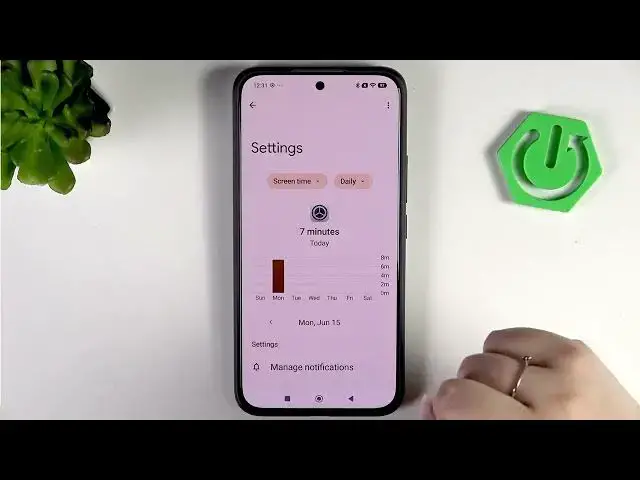

REDMI Note 15 Pro+ 5G – How to Check Total Screen Time
Jun 17, 2026

In this short video I show how to check total screen time on your REDMI Note 15 Pro+ 5G using the Digital Wellbeing and Parental Controls. You will learn how to open Settings, read the daily usage graph, view unlocks and notification counts, see per-app time breakdowns, and set app timers to limit usage. These steps help you monitor daily and weekly screen time, reduce distractions, and manage app usage on your Redmi device.
How to check total screen time on REDMI Note 15 Pro+ 5G?
How to set app timers on REDMI Note 15 Pro+ 5G?
How to view daily and weekly screen time in Digital Wellbeing on REDMI Note 15 Pro+ 5G?
0:00 Introduction
0:06 Open Settings → Digital Wellbeing & Parental Controls
0:21 View daily screen time and main stats (usage, unlocks, notifications)
0:36 Open dashboard to check days of the week and per-app time
1:08 Set an app timer (tap hourglass icon)
1:34 Camera app example — app blocked after timer ends
1:54 Turn off or remove an app timer (trash icon)
2:02 Outro — subscribe and like for more Redmi tips
#REDMI #RedmiNote15ProPlus #ScreenTime #DigitalWellbeing
Find out more:
https://www.hardreset.info/devices/redmi/redmi-note-15-pro-plus-5g/check-total-screen-time/
Show More Show Less #Science