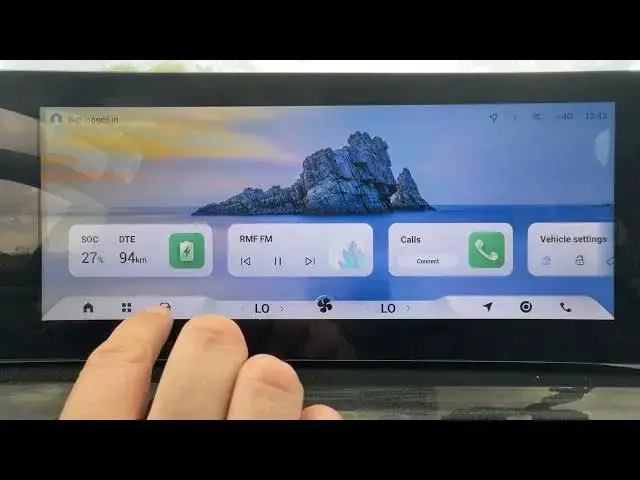

OMODA 5 EV - How to Change Speed Limit Assist Mode
Jun 30, 2026

In this short video we show how to change the Speed Limit Assist (Speed Limit Change Assist) mode on the OMODA 5 EV. You will learn how to navigate the car settings: open the Car menu, go to Driver Assistance, locate the Alarm Mode option and switch between Close, Icon, and Icon + Sound. This quick walkthrough helps you control visual and audible speed limit alerts so you can choose quiet, visual-only, or visual + sound notifications for safer driving. Clear steps and practical tips are included to make the change easy and fast on your OMODA 5 EV.
How to change Speed Limit Assist Mode on OMODA 5 EV?
How to set Alarm Mode in OMODA 5 EV Driver Assistance?
Where is Speed Limit Change Assist setting in OMODA 5 EV?
0:00 Intro - What we will change
0:05 Open the "Car" menu
0:10 Enter "Driver Assistance"
0:15 Find "Alarm Mode" setting
0:20 Choose Close / Icon / Icon + Sound
0:26 Quick tip and finish
#OMODA5EV #SpeedLimitAssist #DriverAssistance #CarTips
Find out more:
https://www.hardreset.info/devices/omoda/omoda-5-ev/
Follow us on Instagram ► https://www.instagram.com/hardreset.info
Like us on Facebook ► https://www.facebook.com/hardresetinfo/
Show More Show Less #Science