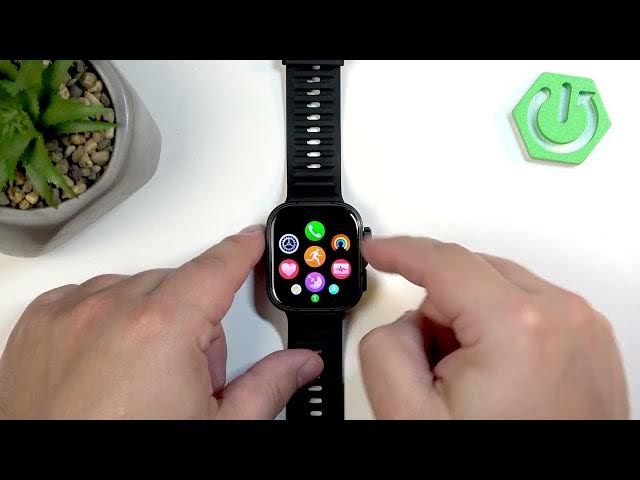

HUAWEI Watch Fit 5 Pro – How to Adjust Sound Volume
Jun 10, 2026

In this short and clear video you will learn how to adjust the sound volume on the HUAWEI Watch Fit 5 Pro. We walk you through opening Settings on the watch, finding Sounds & Vibration, and using the sliders to change ringtone, alarm and broadcast (workout) volume. These steps let you set notification loudness, alarm levels and voice prompts during workouts directly on the watch without a phone.
How to adjust volume on HUAWEI Watch Fit 5 Pro?
How to change ringtone or notification volume on HUAWEI Watch Fit 5 Pro?
How to lower broadcast (workout) voice volume on HUAWEI Watch Fit 5 Pro?
0:00 Intro and what we will do
0:25 Wake the watch, open the menu and go to Settings
0:53 Open Sounds & Vibration and find volume types
1:08 Tap a volume type and swipe the slider to adjust
1:18 Broadcast volume explained (workout voice prompts)
1:27 Finish, return to watch face and wrap up
#HuaweiWatchFit5Pro #WatchFit5Pro #HuaweiWatch #AdjustVolume
Find out more:
https://www.hardreset.info/devices/huawei/huawei-watch-fit-5-pro/adjust-sound-volume/
Follow us on Instagram ► https://www.instagram.com/hardreset.info
Like us on Facebook ► https://www.facebook.com/hardresetinfo/
Show More Show Less #Science