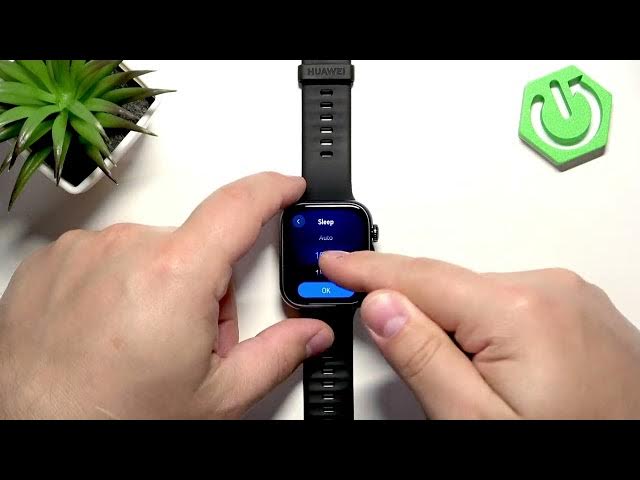

HUAWEI Watch Fit 5 – How to Change Screen Timeout
Jun 14, 2026

Learn how to change the screen timeout on your HUAWEI Watch Fit 5 so the display turns off faster or stays on longer. In this short video we show step-by-step how to open Settings using the crown button, go to Display & Brightness, find the Sleep (screen timeout) option and choose Auto, 10s, 15s or 20s. You’ll also learn which option saves the most battery and which keeps the screen visible longer. This clear walkthrough helps you balance convenience and battery life on your HUAWEI Watch Fit 5.
How to change screen timeout on HUAWEI Watch Fit 5?
How to set screen timeout duration on HUAWEI Watch Fit 5?
How to enable Auto screen timeout on HUAWEI Watch Fit 5?
0:00 Introduction
0:08 Wake watch & open menu (use crown button)
0:24 Open Settings
0:35 Go to Display & Brightness
0:53 Find Sleep (screen timeout) option
1:23 Choose Auto, 10s, 15s or 20s and demo
1:45 Outro & tips
#HUAWEIWatchFit5 #ScreenTimeout #SmartwatchTips #BatteryLife
Find out more:
https://www.hardreset.info/devices/huawei/huawei-watch-fit-5/screen-timeout/
Follow us on Instagram ► https://www.instagram.com/hardreset.info
Show More Show Less #Science