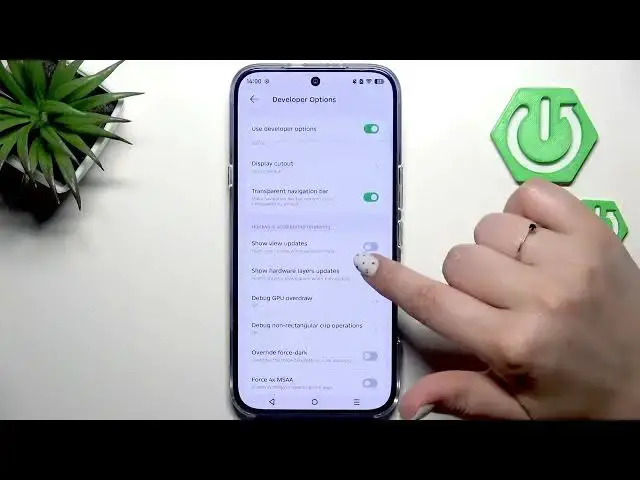

INFINIX Note 60 Pro - How to Enable Developer Options
Jun 30, 2026

Learn how to enable and use Developer Options on the INFINIX Note 60 Pro in just a few easy steps. In this video we open Settings, go to About phone, find the Build number and keep tapping it until Developer mode is unlocked. You will see how to confirm with your screen lock, access System → Developer options, toggle advanced switches, open sub-menus, and fully disable Developer Options by restarting the phone. This walkthrough is ideal for beginners and anyone who needs quick access to USB debugging, animation scale, and other developer settings on their INFINIX Note 60 Pro.
How to enable Developer Options on INFINIX Note 60 Pro?
How to turn off Developer Options on INFINIX Note 60 Pro?
How to find the Build number on INFINIX Note 60 Pro?
0:00 Intro
0:08 Open Settings → About phone (INFINIX Note 60 Pro)
0:20 Find the Build number
0:29 Tap Build number repeatedly to enable
0:38 Enter your screen lock to confirm
0:42 Go to System → Developer options
0:58 How to change and toggle developer settings
1:26 Turn off Developer Options and restart to hide
1:43 How to re-enable Developer Options later
1:56 Outro
#InfinixNote60Pro #DeveloperOptions #AndroidTips #EnableDevOptions
Find out more:
Show More Show Less #Science